Interactive tool · 314 items
Starbucks Calorie Calculator
Build a Starbucks meal tray and calculate total calories, protein, fat, carbs, sodium and estimated price instantly.
Main keyword: Starbucks calorie calculator. Related keywords: Starbucks nutrition calculator, Starbucks meal calories, Starbucks macros, Starbucks total calories. Semantic keywords: protein, fat, carbs, sodium, serving size, customization, meal planning, 2,000 calorie reference.
Build a Starbucks order by adding drinks and food from the list below. The tray totals calories, protein, fat, carbohydrates, sodium and estimated price in real time. Choose a daily goal to see what share of it your order represents. Everything runs locally in your browser; no data is sent anywhere.
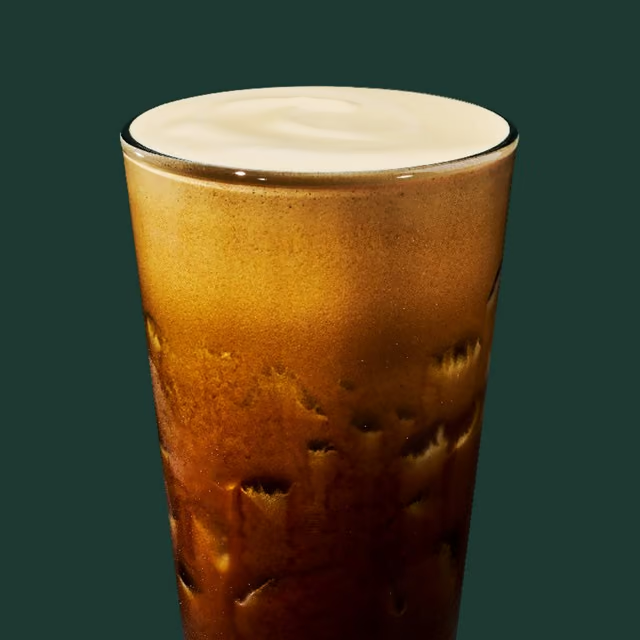 Aerocano10 cal · 1g protein · $4.20 est.
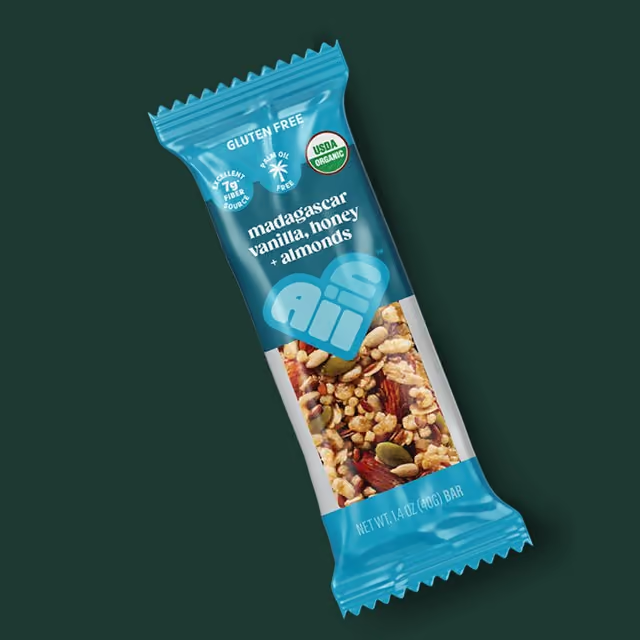 All In™ Madagascar Vanilla, Honey & Almonds Bar170 cal · 4g protein · $4.25 est.
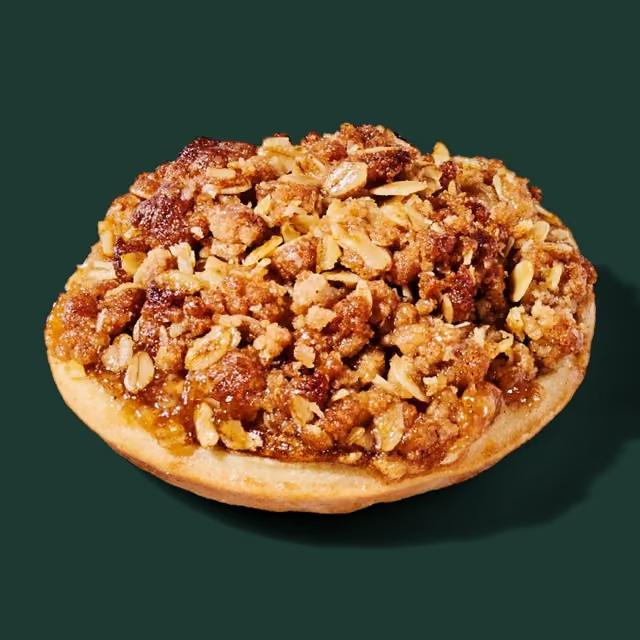 Apple Crumble Mini Pie290 cal · 3g protein · $4.45 est.
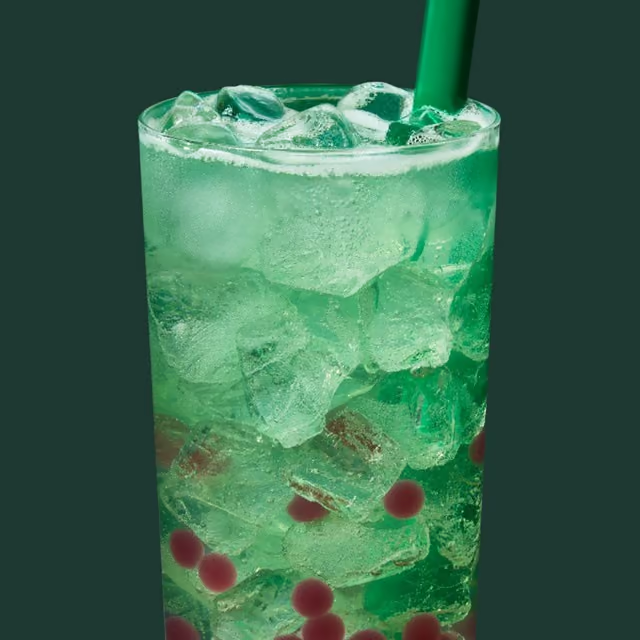 Apple Pomegranate Energy Refresher90 cal · 0g protein · $4.95 est.
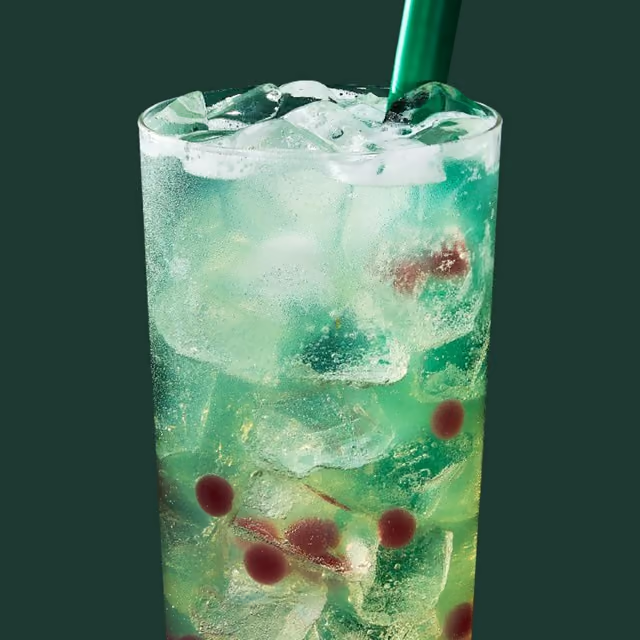 Apple Pomegranate Lemonade Energy Refresher130 cal · 0g protein · $4.65 est.
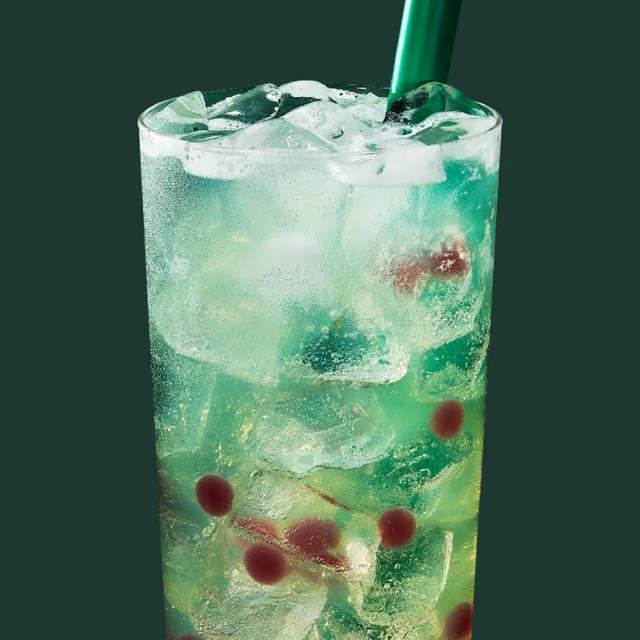 Apple Pomegranate Lemonade Refresher130 cal · 0g protein · $4.65 est.
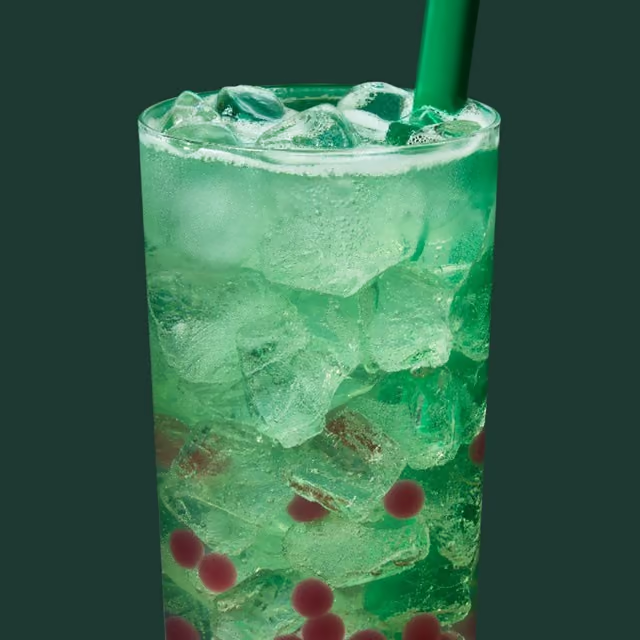 Apple Pomegranate Refresher130 cal · 0g protein · $4.65 est.
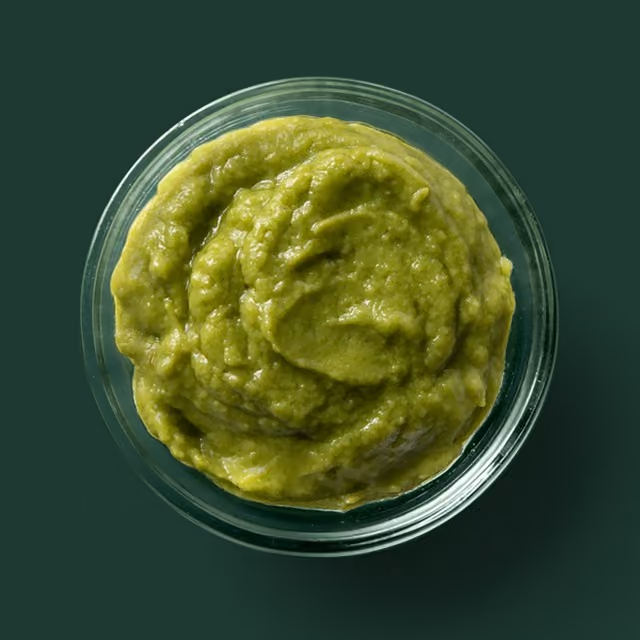 Avocado Spread90 cal · 1g protein · $4.45 est.
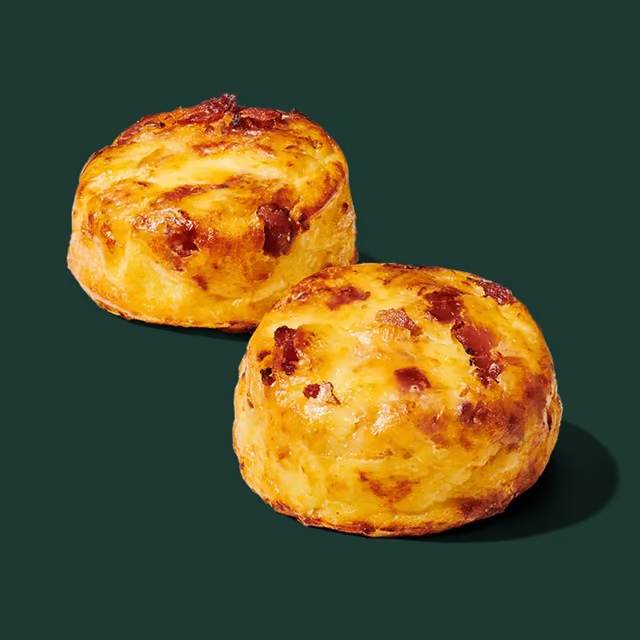 Bacon & Gruyère Egg Bites300 cal · 19g protein · $6.25 est.
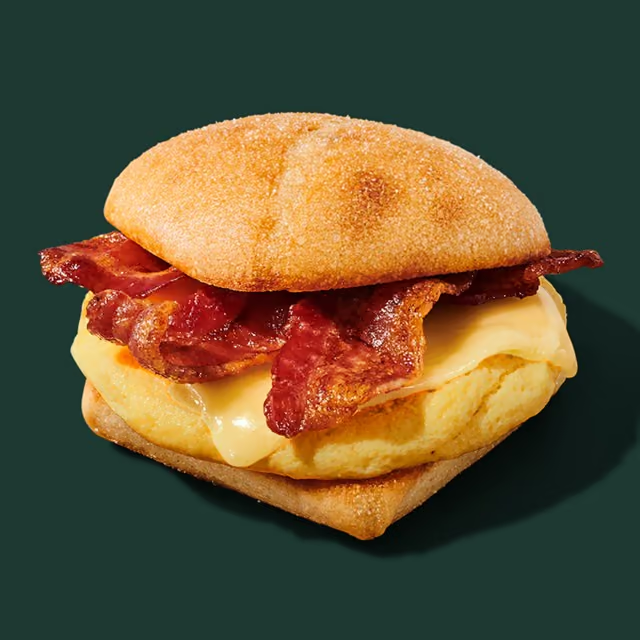 Bacon, Gouda & Egg Sandwich360 cal · 18g protein · $7.25 est.
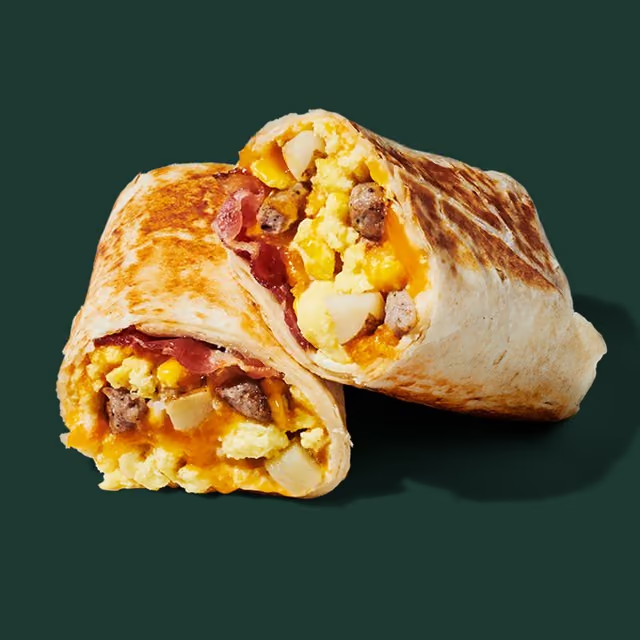 Bacon, Sausage & Egg Wrap640 cal · 27g protein · $7.25 est.
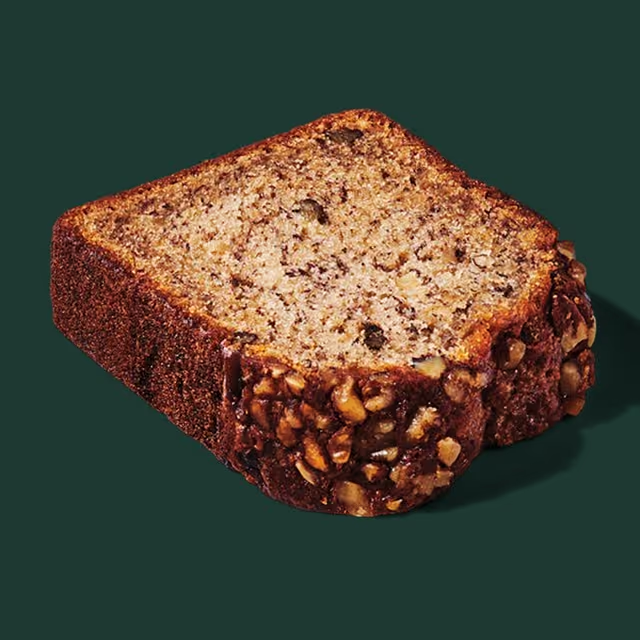 Banana, Walnut & Pecan Loaf380 cal · 6g protein · $4.25 est.
 Bearista™ Cake Pop290 cal · 4g protein · $3.75 est.
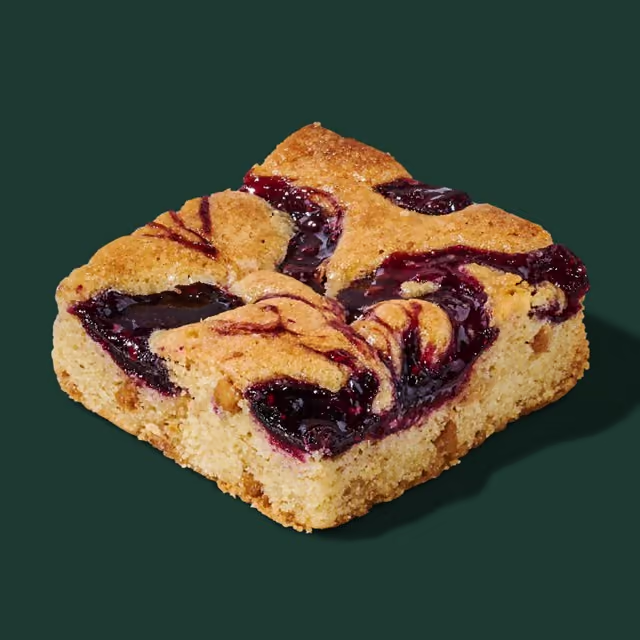 Berry Blondie300 cal · 3g protein · $4.45 est.
 Birthday Cake Pop160 cal · 2g protein · $4.25 est.
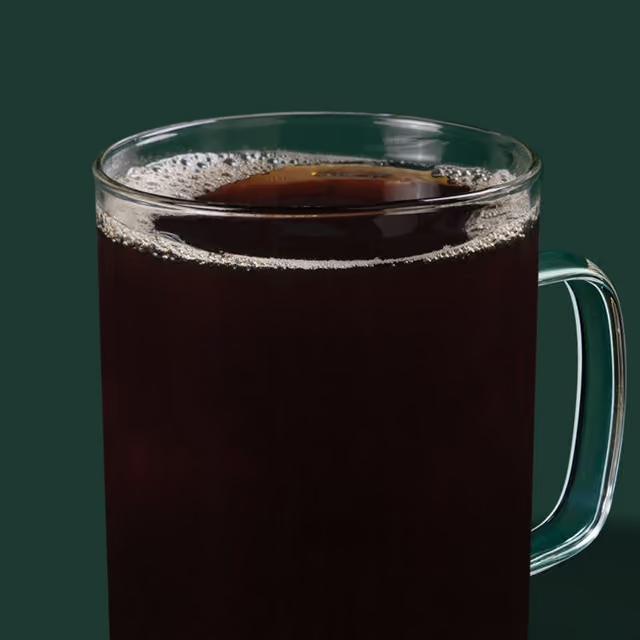 Blonde Roast - Starbucks® Christmas Blonde100 cal · 3g protein · $3.85 est.
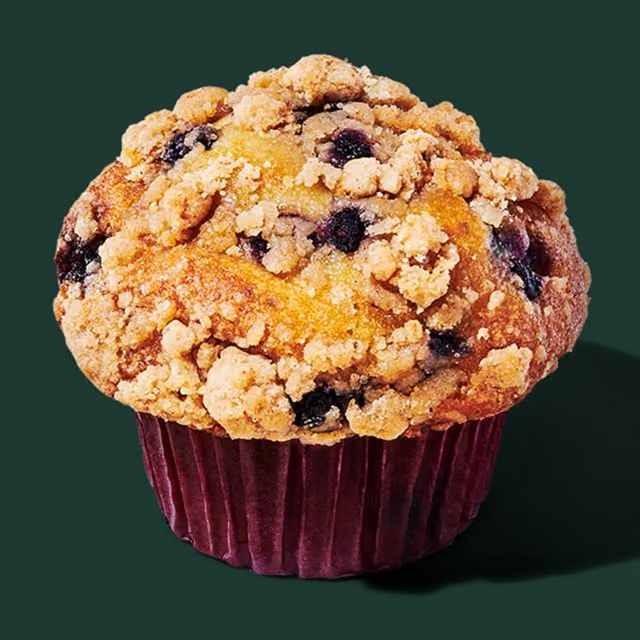 Blueberry Streusel Muffin370 cal · 5g protein · $4.25 est.
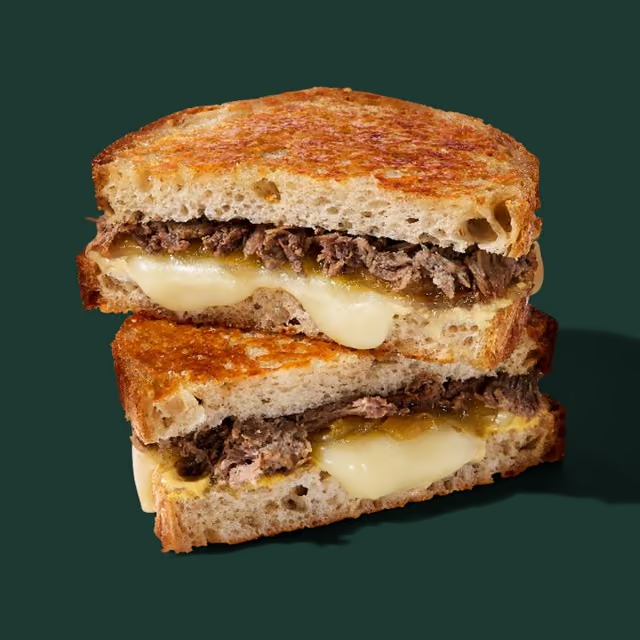 Braised Short Rib Grilled Cheese420 cal · 22g protein · $7.25 est.
 Brown Sugar Oatmilk Cortado110 cal · 2g protein · $2.80 est.
 Butter Croissant250 cal · 5g protein · $4.25 est.
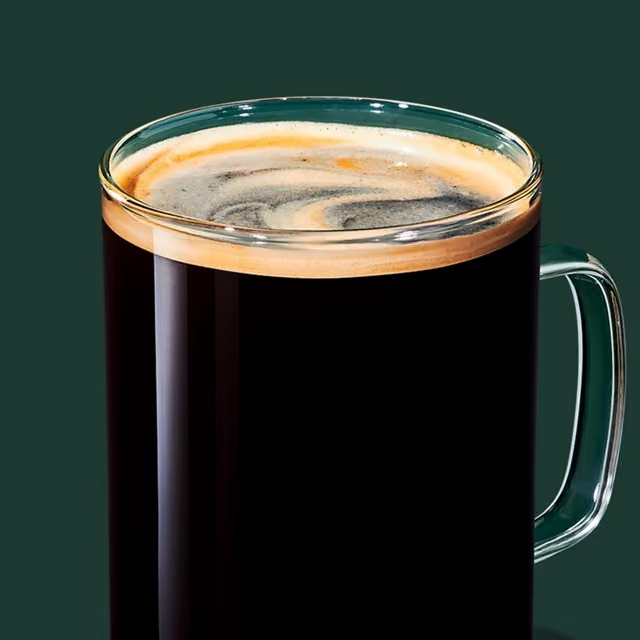 Caffè Americano15 cal · 1g protein · $3.85 est.
 Caffè Latte190 cal · 12g protein · $3.85 est.
 Caffè Misto100 cal · 3g protein · $3.85 est.
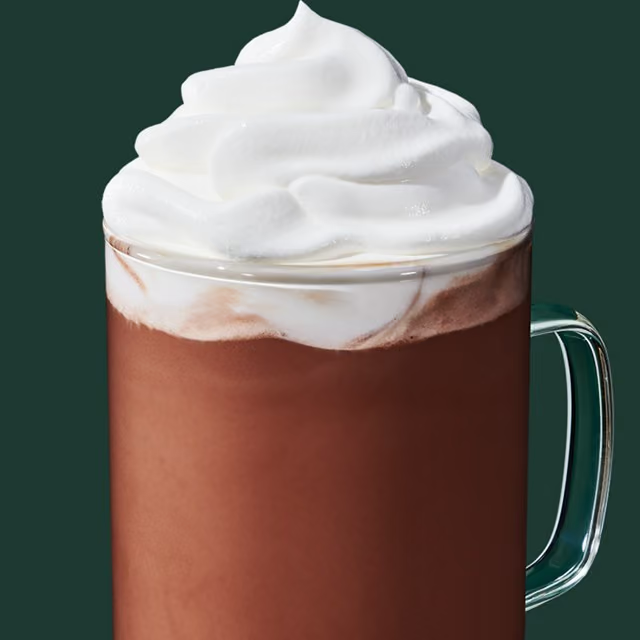 Caffè Mocha330 cal · 12g protein · $3.85 est.
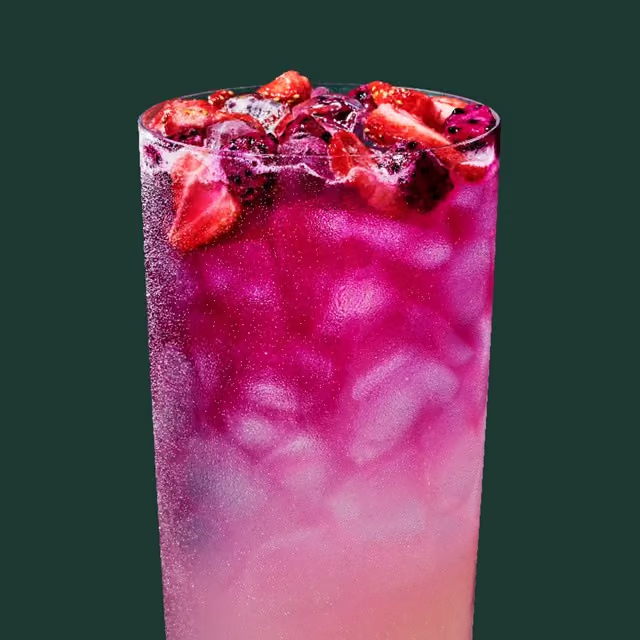 Cannon Ball Drink120 cal · 3g protein · $4.20 est.
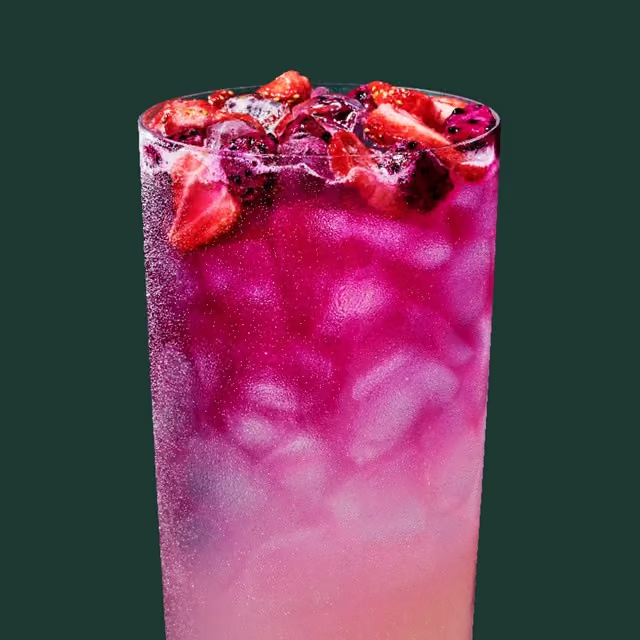 Cannon Ball Energy Drink130 cal · 0g protein · $4.65 est.
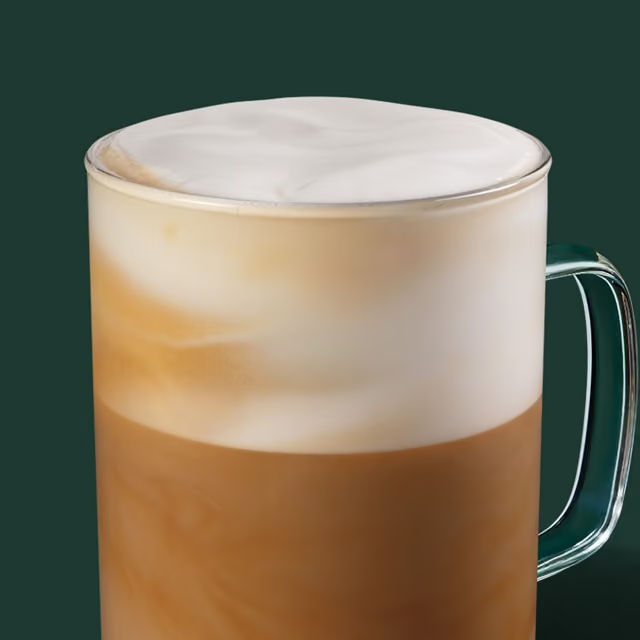 Cappuccino190 cal · 12g protein · $3.85 est.
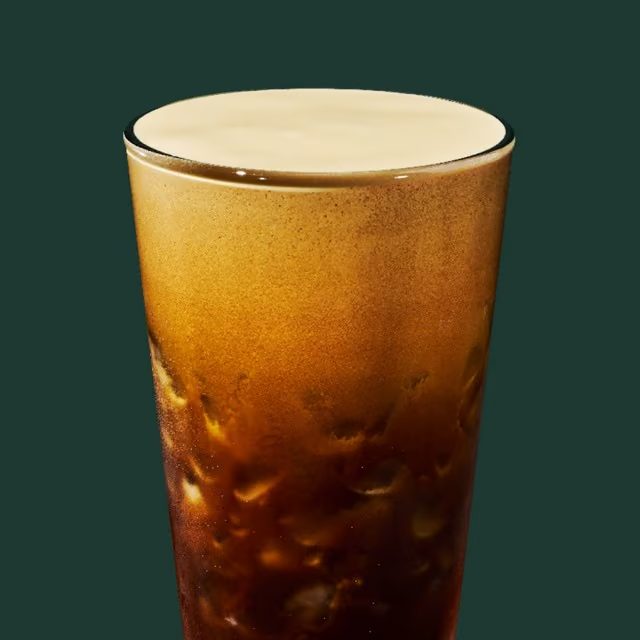 Caramel Aerocano10 cal · 1g protein · $4.20 est.
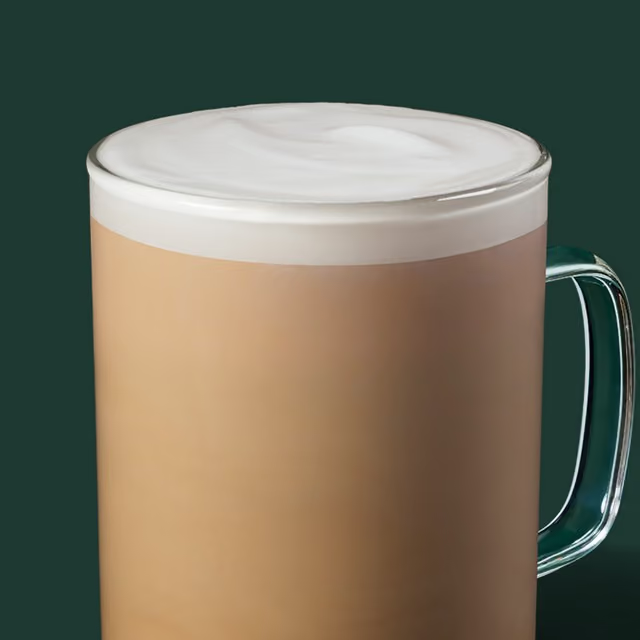 Caramel Brulée Chai240 cal · 9g protein · $4.00 est.
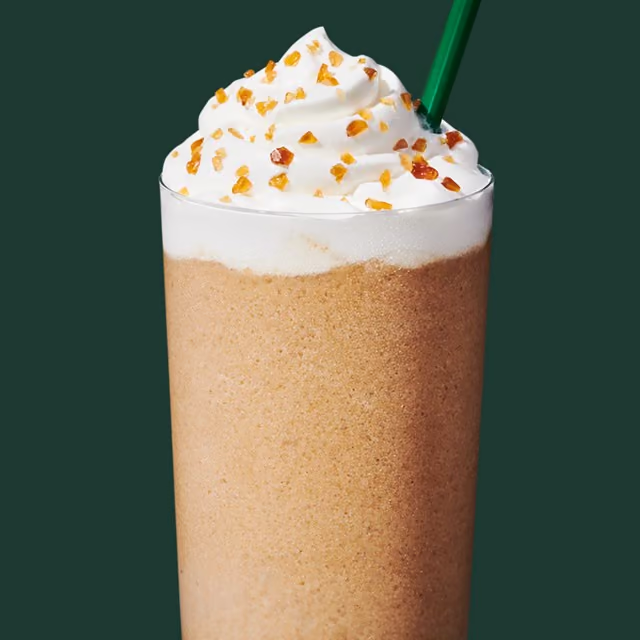 Caramel Brulée Frappuccino® Blended Beverage400 cal · 4g protein · $5.95 est.
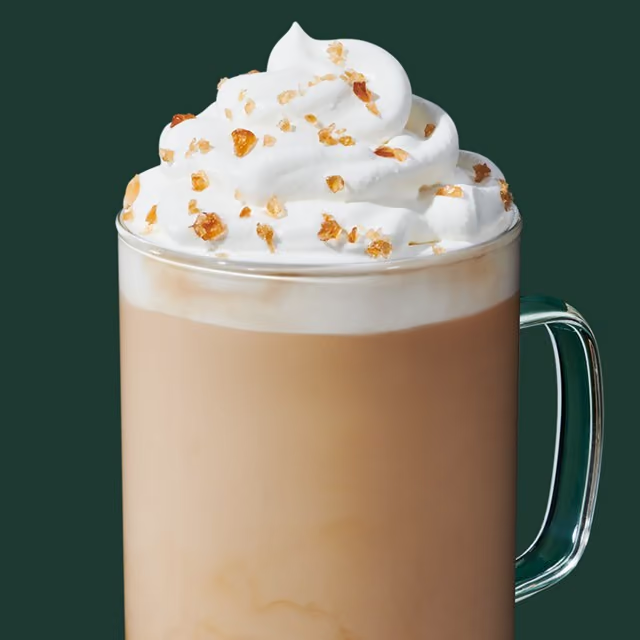 Caramel Brulée Latte190 cal · 12g protein · $3.85 est.
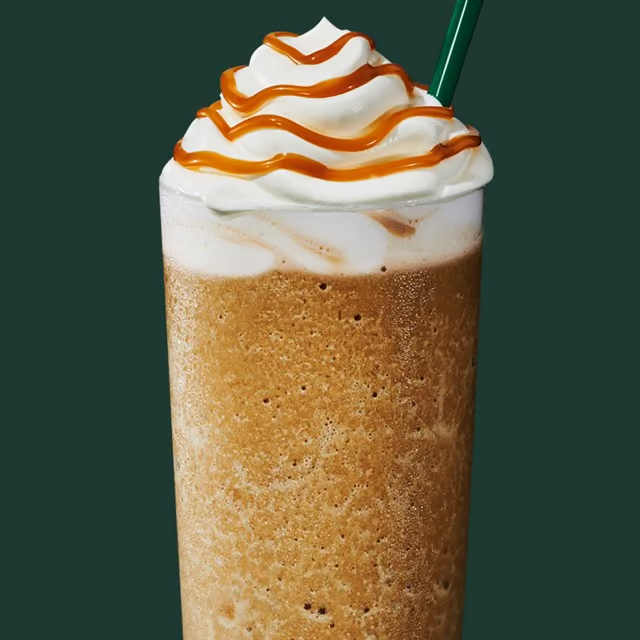 Caramel Frappuccino® Blended Beverage380 cal · 4g protein · $5.95 est.
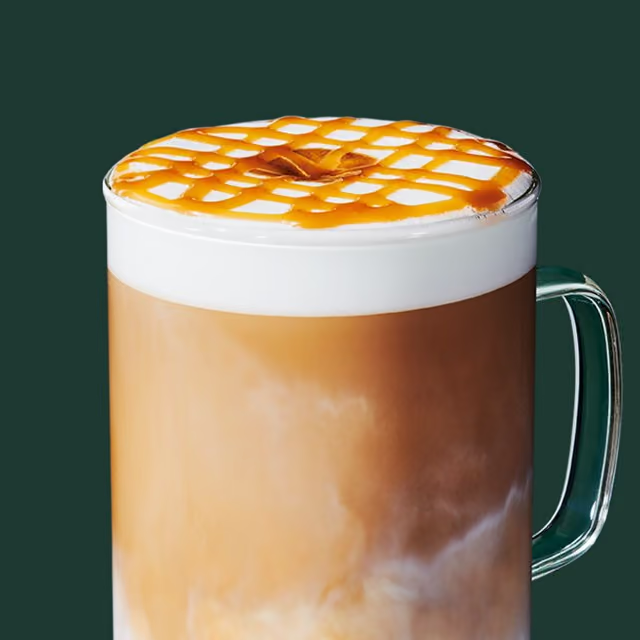 Caramel Macchiato140 cal · 8g protein · $3.85 est.
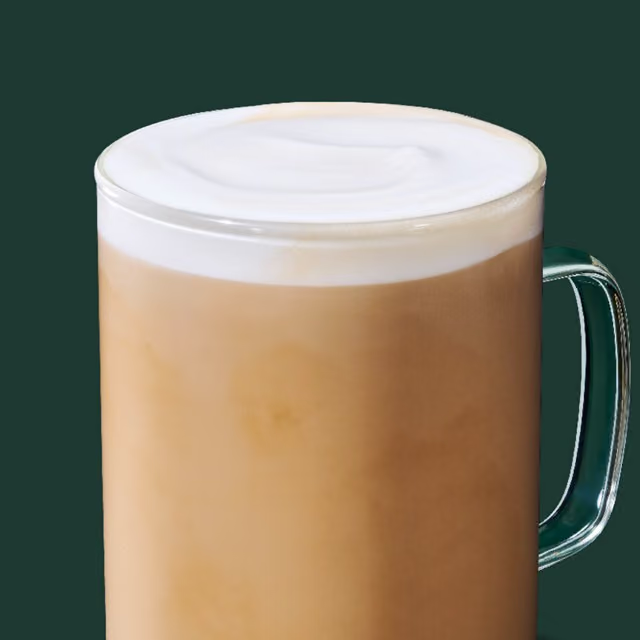 Caramel Protein Latte190 cal · 15g protein · $5.55 est.
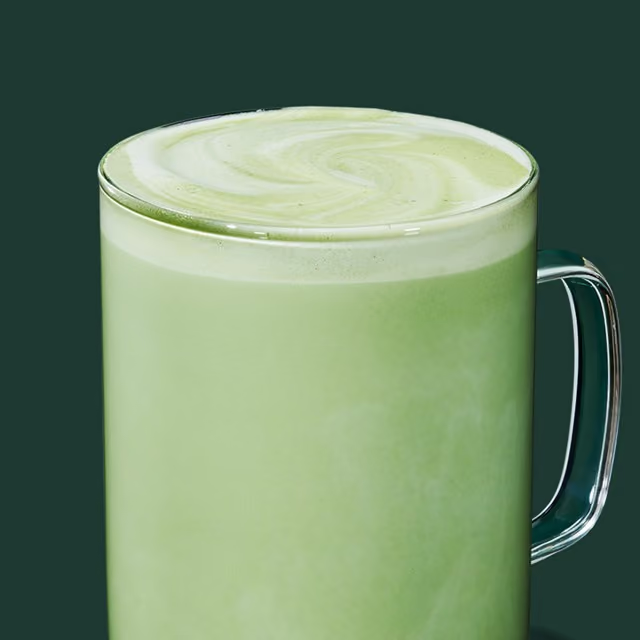 Caramel Protein Matcha190 cal · 15g protein · $5.55 est.
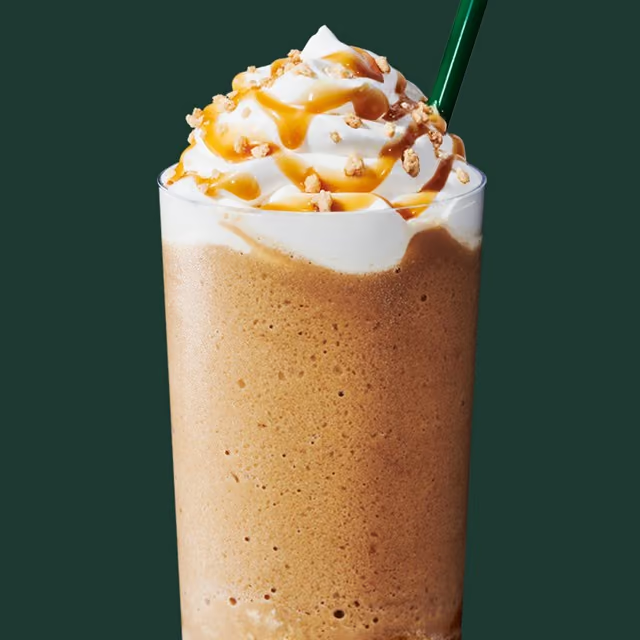 Caramel Ribbon Crunch Frappuccino® Blended Beverage470 cal · 5g protein · $5.95 est.
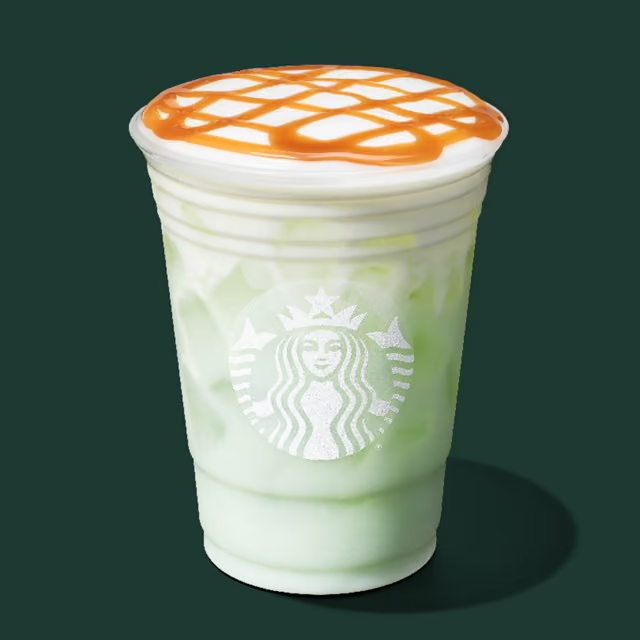 Caramel Snowy Apple Drink120 cal · 3g protein · $4.45 est.
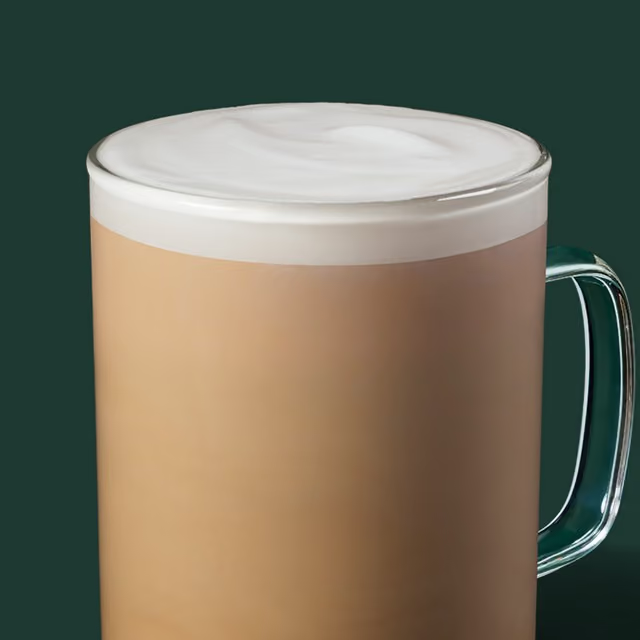 Chai Latte190 cal · 12g protein · $4.00 est.
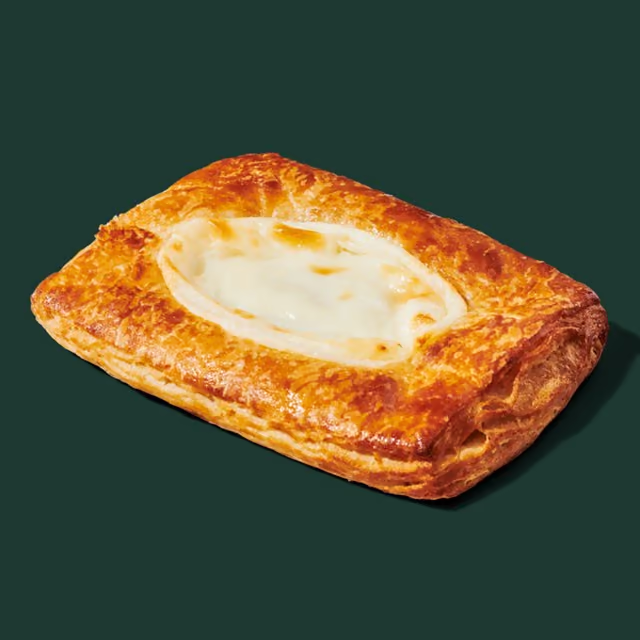 Cheese Danish240 cal · 4g protein · $4.25 est.
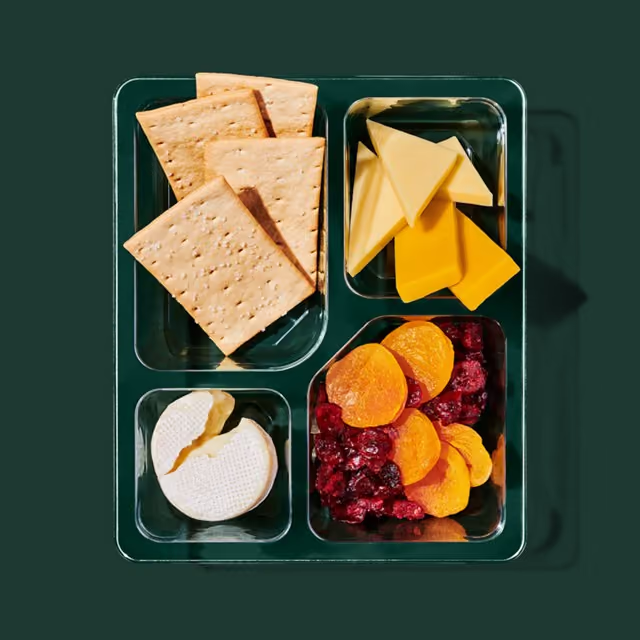 Cheese Trio Protein Box520 cal · 20g protein · $6.45 est.
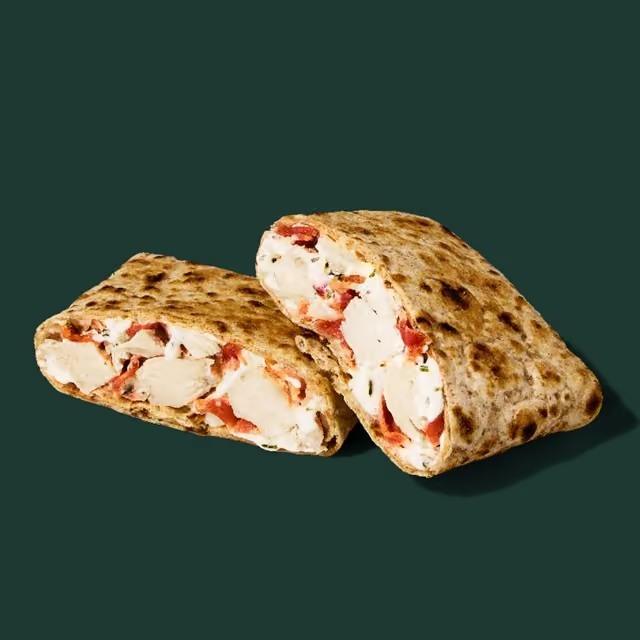 Chicken Bacon Protein Pocket310 cal · 20g protein · $6.45 est.
 Chocolate Cake Pop150 cal · 2g protein · $4.25 est.
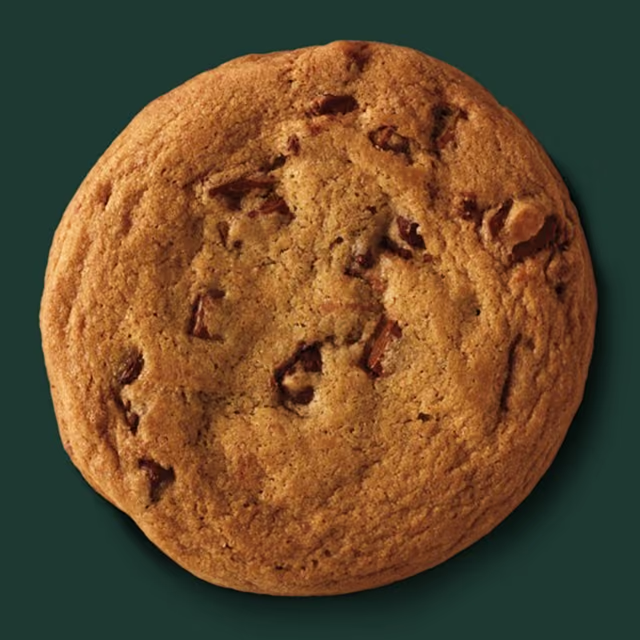 Chocolate Chip Cookie370 cal · 5g protein · $4.25 est.
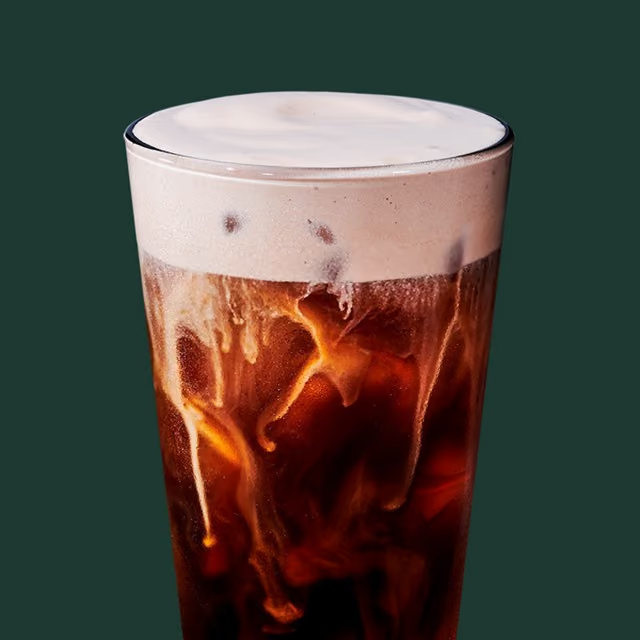 Chocolate Cream Cold Brew10 cal · 1g protein · $4.65 est.
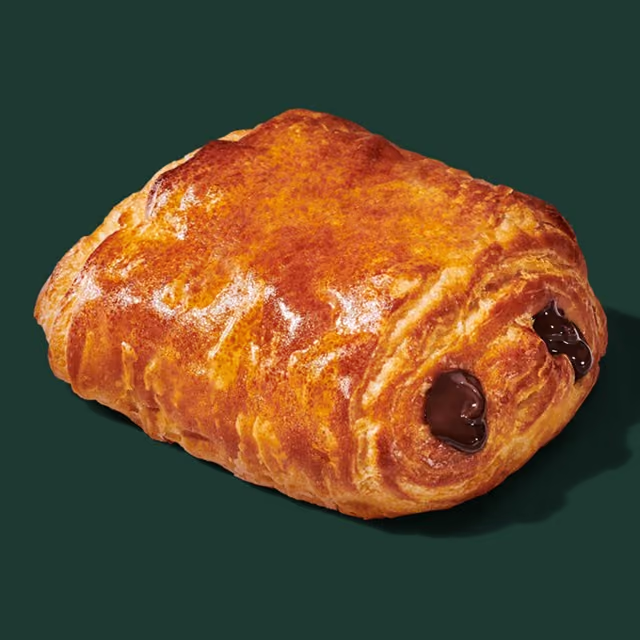 Chocolate Croissant240 cal · 4g protein · $4.25 est.
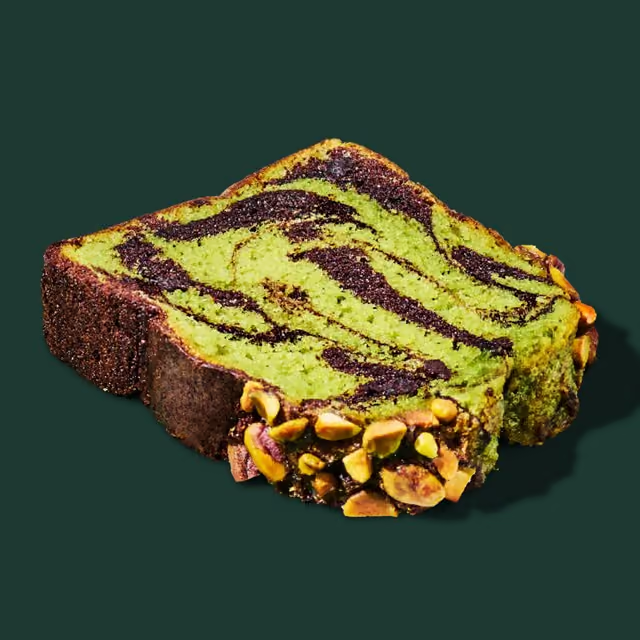 Chocolate Pistachio Loaf400 cal · 6g protein · $4.25 est.
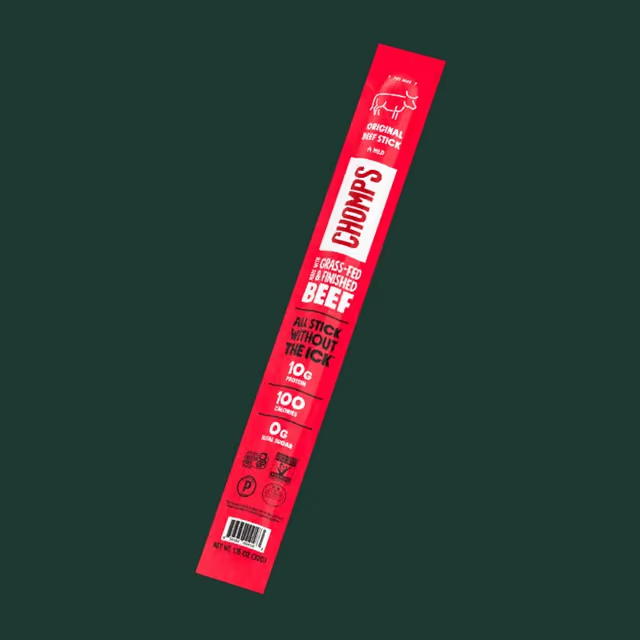 Chomps® Original Beef Stick100 cal · 10g protein · $4.45 est.
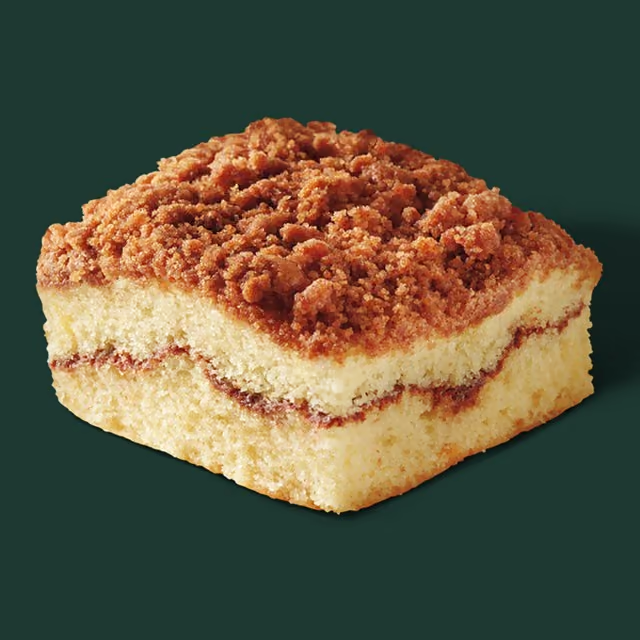 Cinnamon Coffee Cake380 cal · 4g protein · $4.45 est.
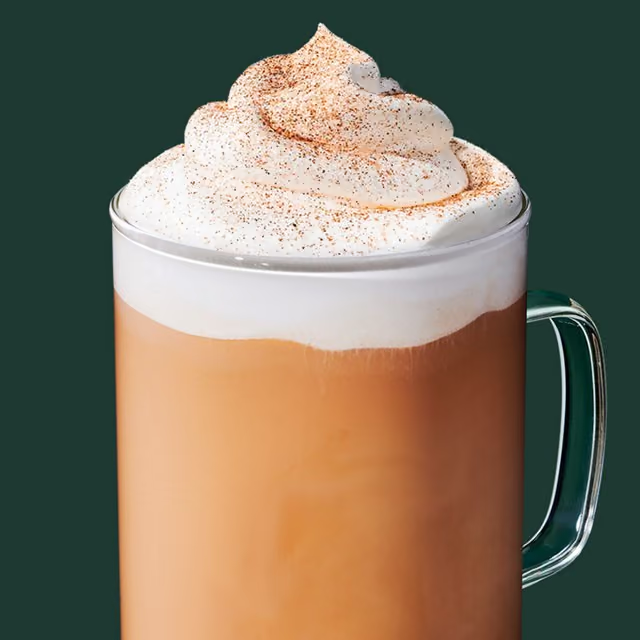 Cinnamon Dolce Latte190 cal · 12g protein · $3.85 est.
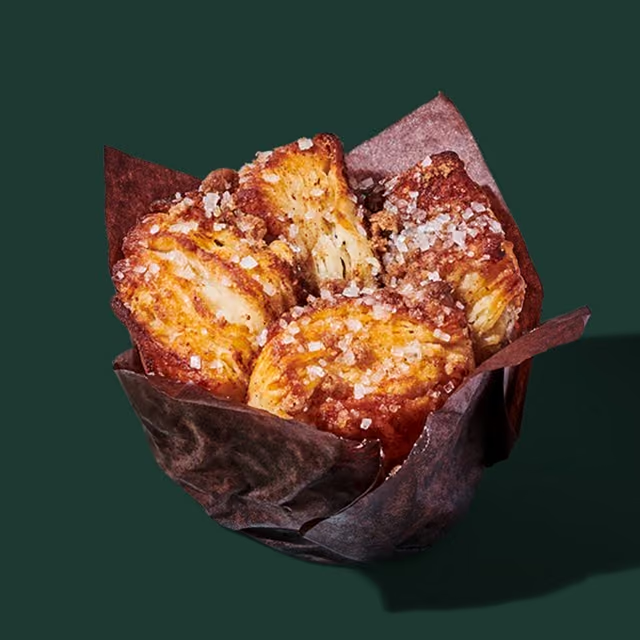 Cinnamon Pull-Apart280 cal · 9g protein · $4.45 est.
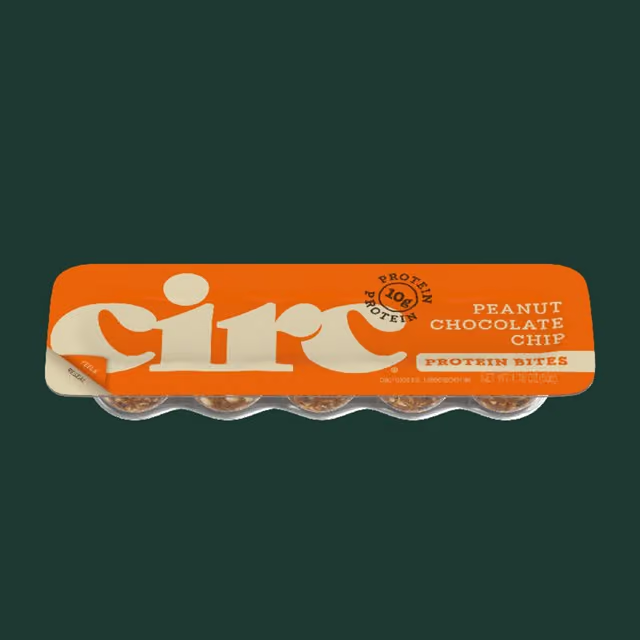 CirC Peanut Chocolate Chip Protein Bites210 cal · 10g protein · $6.45 est.
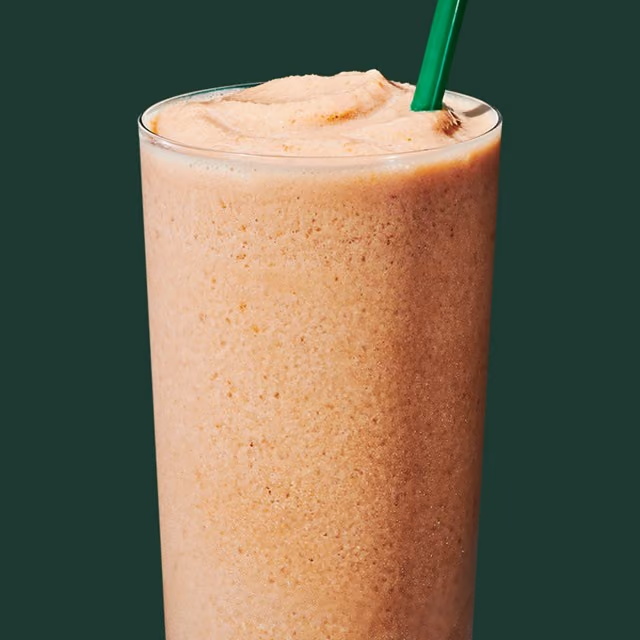 Coffee Frappuccino® Blended Beverage230 cal · 3g protein · $5.95 est.
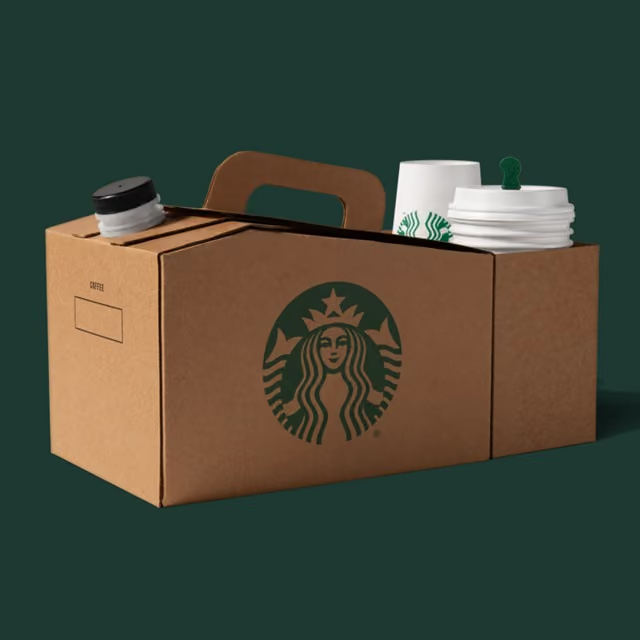 Coffee Traveler – Decaf Pike Place® Roast5 cal · 0g protein · $4.45 est.
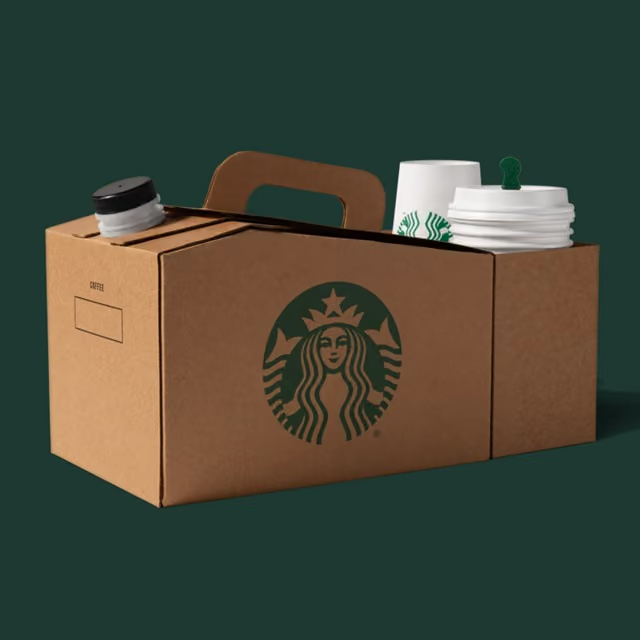 Coffee Traveler – Pike Place® Roast5 cal · 0g protein · $4.45 est.
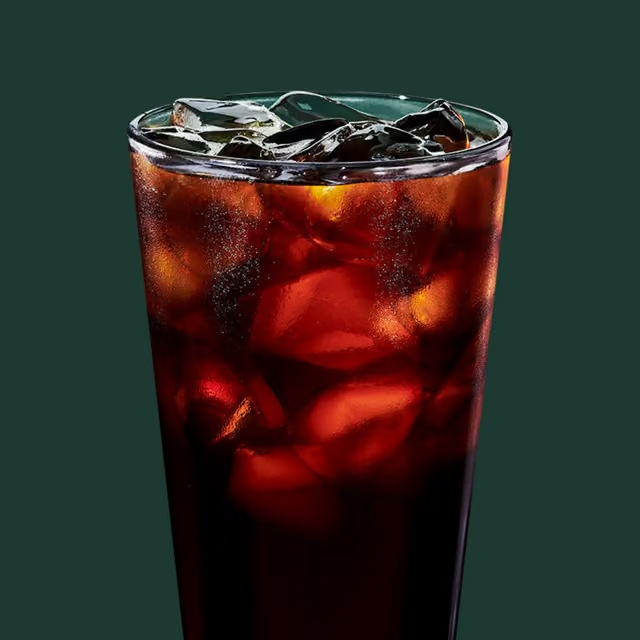 Cold Brew10 cal · 1g protein · $4.65 est.
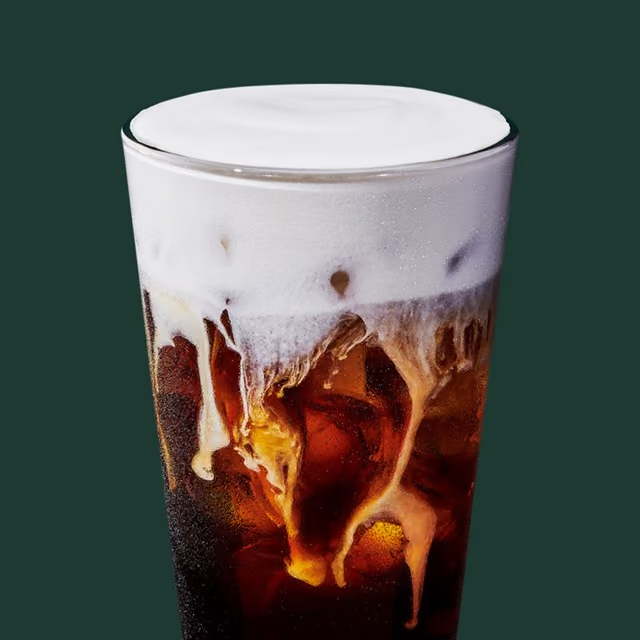 Cold Brew with Nondairy Vanilla Sweet Cream Cold Foam10 cal · 1g protein · $4.65 est.
 Cold Milk260 cal · 17g protein · $3.25 est.
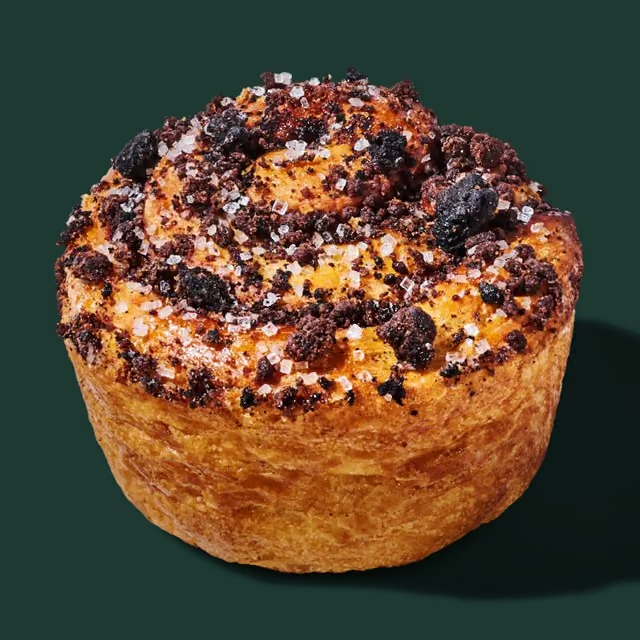 Cookie Croissant Swirl240 cal · 4g protein · $4.25 est.
 Cortado140 cal · 8g protein · $3.85 est.
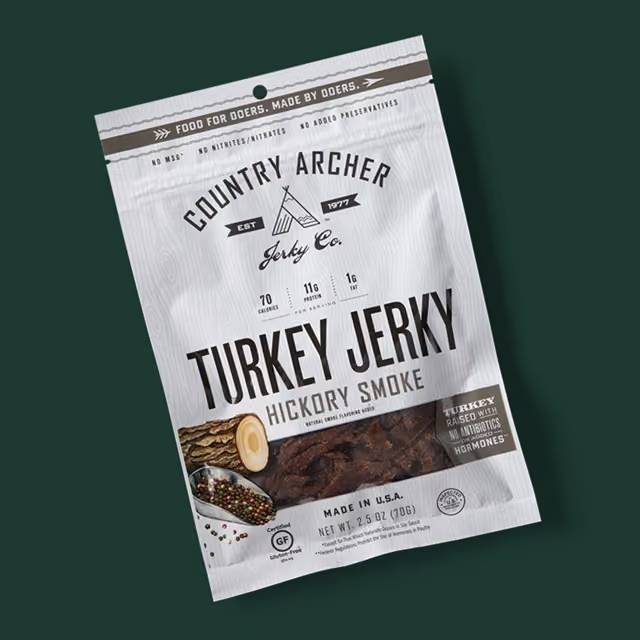 Country Archer™ – Hickory Smoke Turkey Jerky70 cal · 10g protein · $4.45 est.
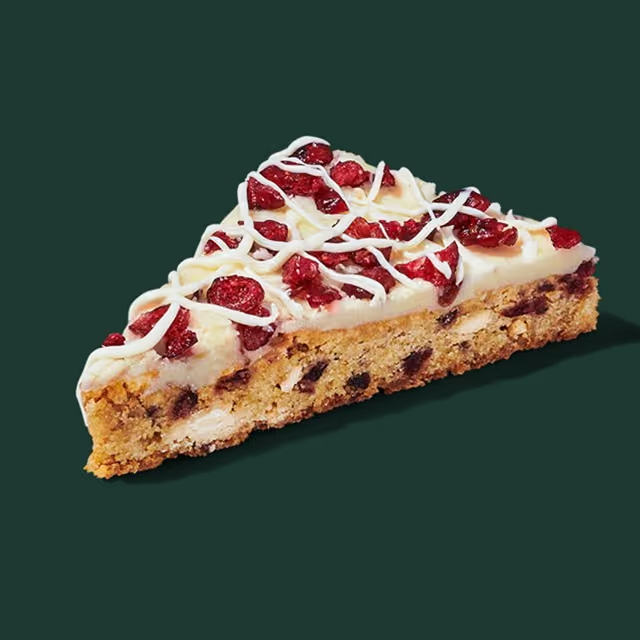 Cranberry Bliss® Bar290 cal · 3g protein · $4.25 est.
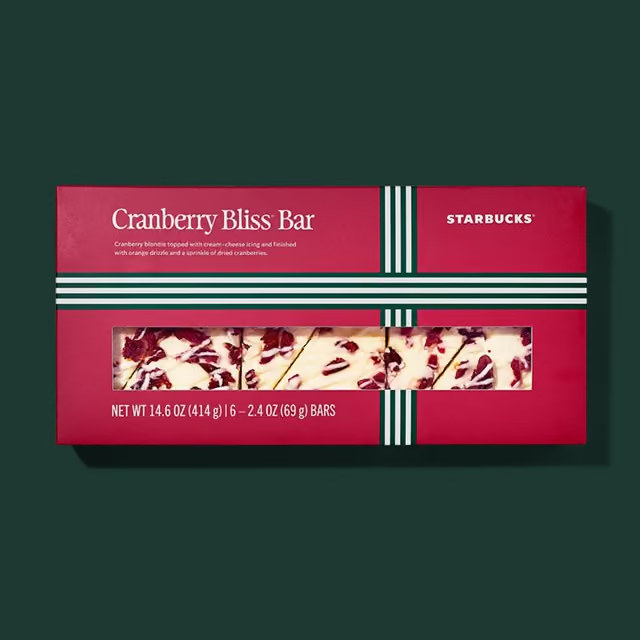 Cranberry Bliss® Bar Tray290 cal · 3g protein · $4.25 est.
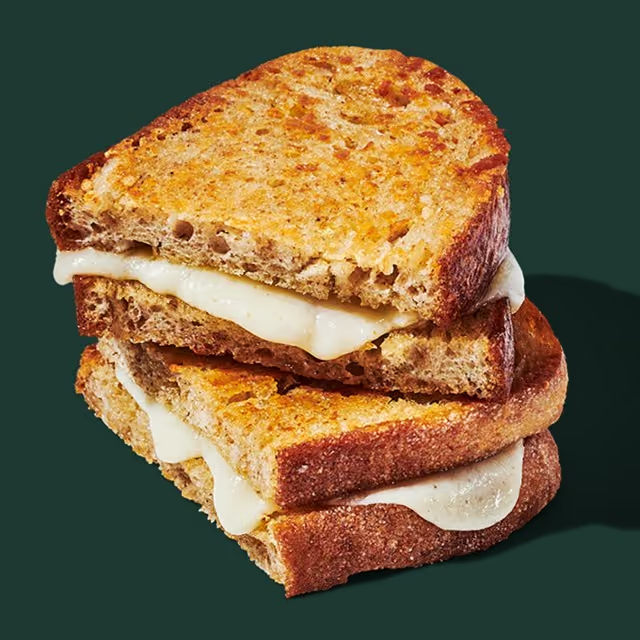 Crispy Grilled Cheese on Sourdough520 cal · 21g protein · $7.25 est.
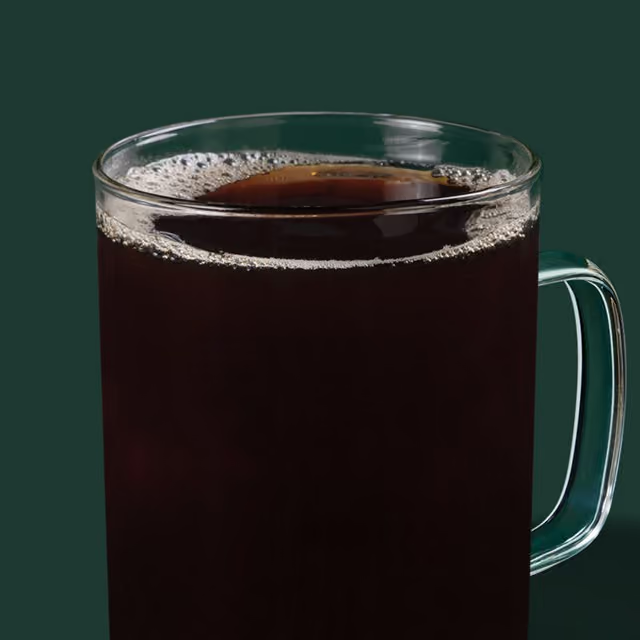 Decaf Roast - Pike Place® Roast100 cal · 3g protein · $3.85 est.
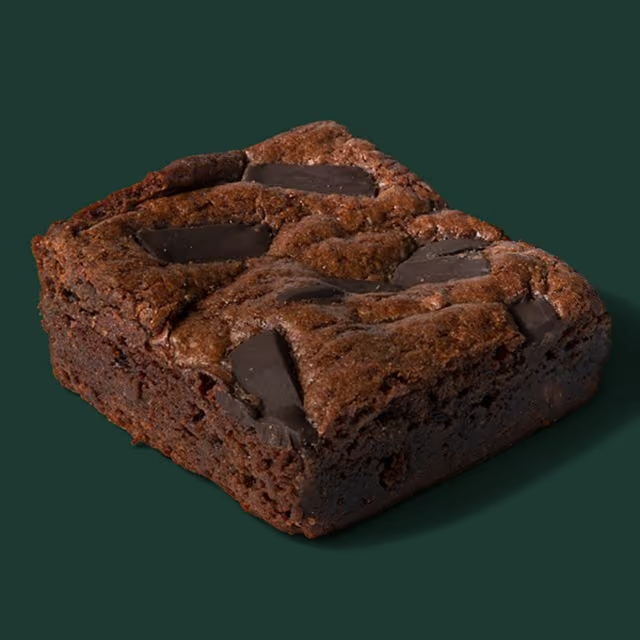 Double Chocolate Brownie480 cal · 6g protein · $4.25 est.
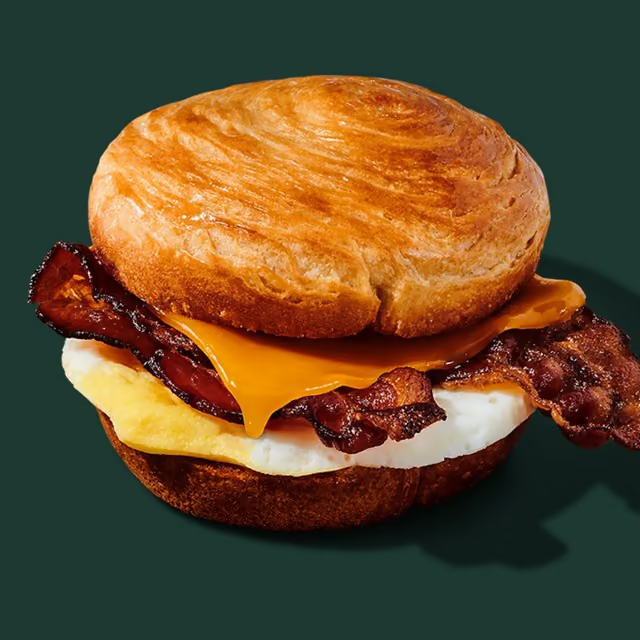 Double-Smoked Bacon, Cheddar & Egg Sandwich500 cal · 21g protein · $7.25 est.
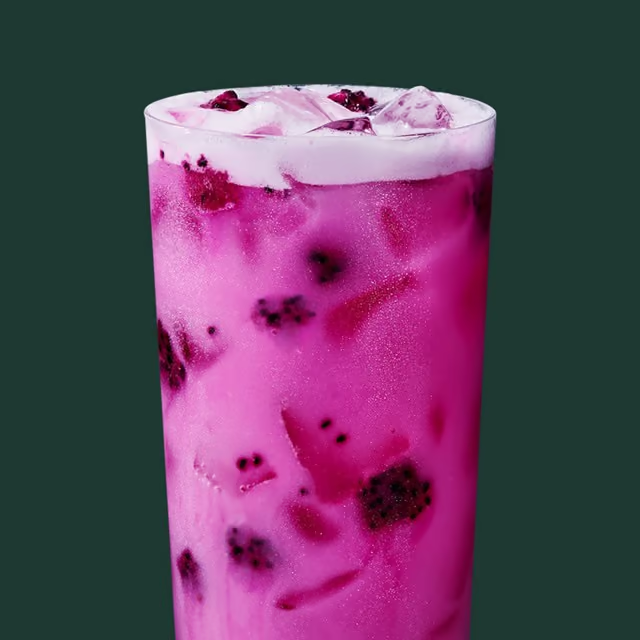 Dragon Drink®120 cal · 3g protein · $4.20 est.
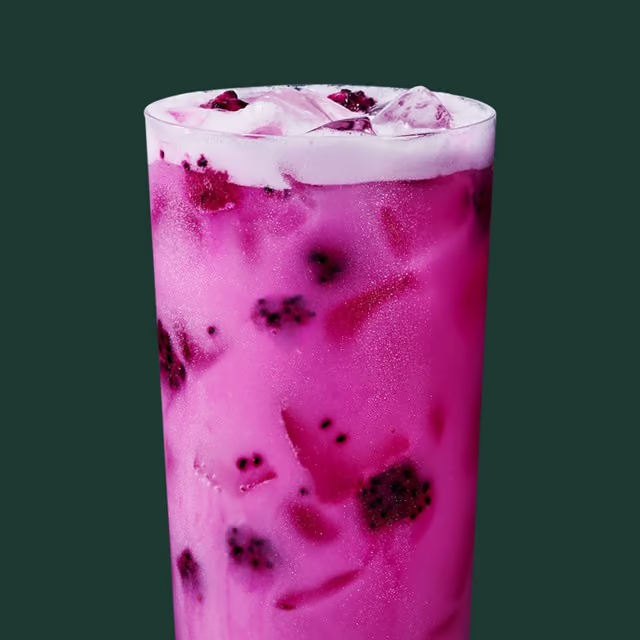 Dragon Energy Drink140 cal · 1g protein · $4.95 est.
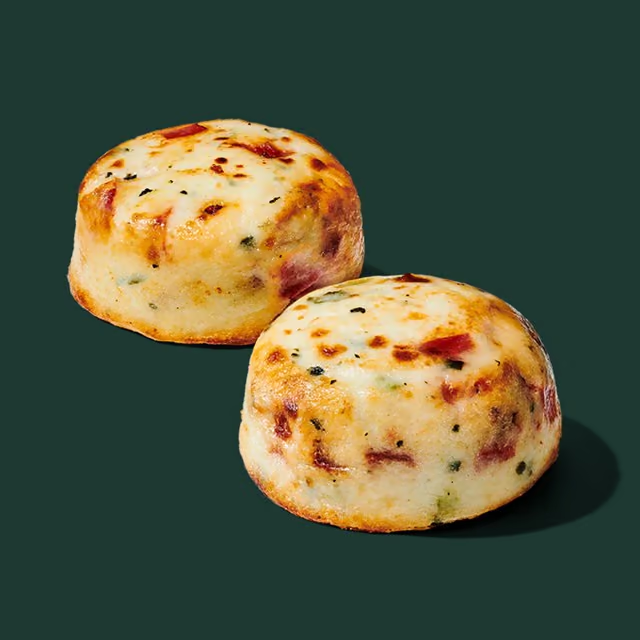 Egg White & Roasted Red Pepper Egg Bites170 cal · 12g protein · $6.25 est.
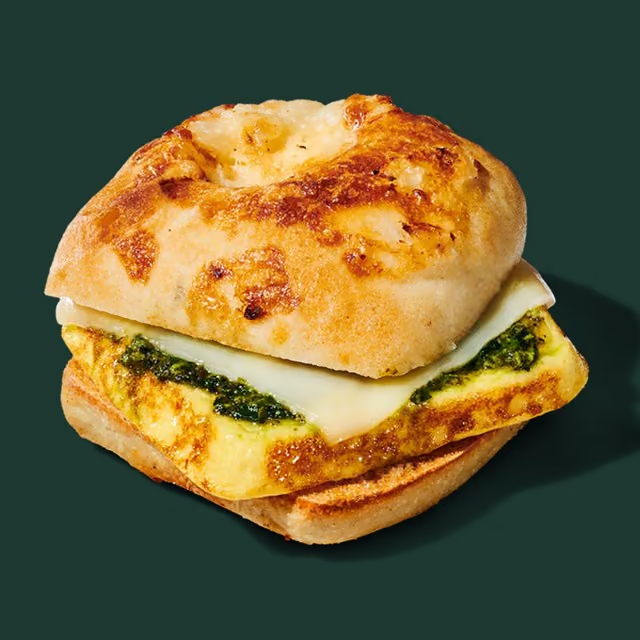 Egg, Pesto & Mozzarella Sandwich390 cal · 21g protein · $7.25 est.
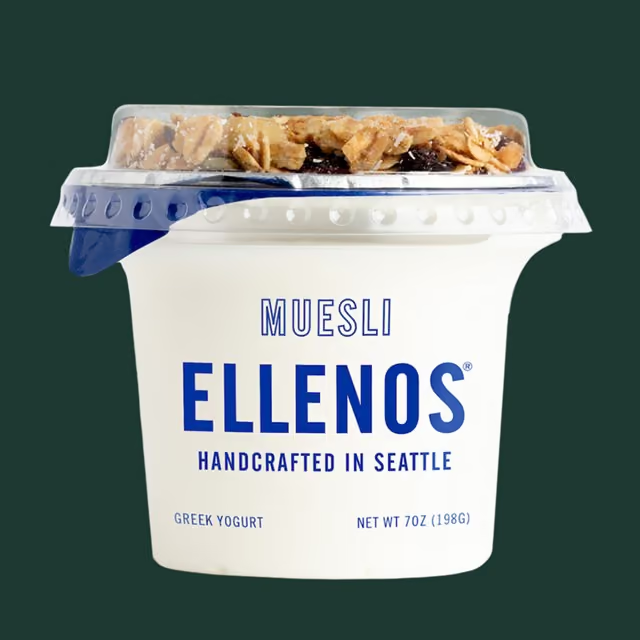 Ellenos Muesli Yogurt210 cal · 7g protein · $4.45 est.
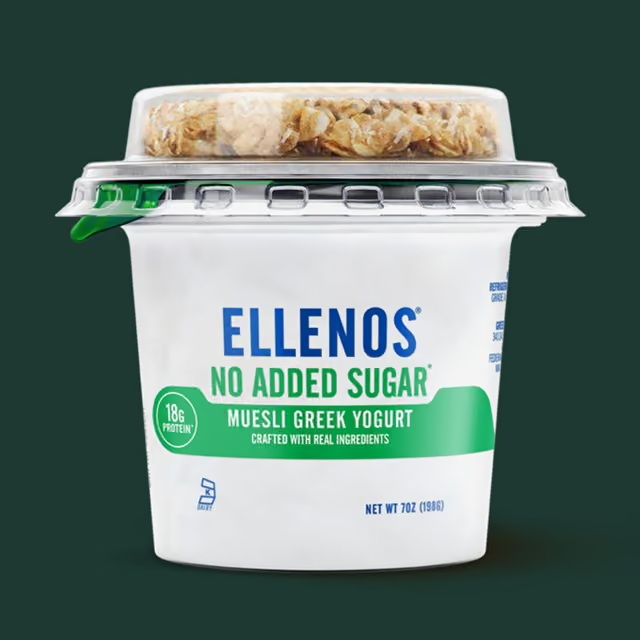 Ellenos® Muesli Yogurt – No Added Sugar210 cal · 7g protein · $4.45 est.
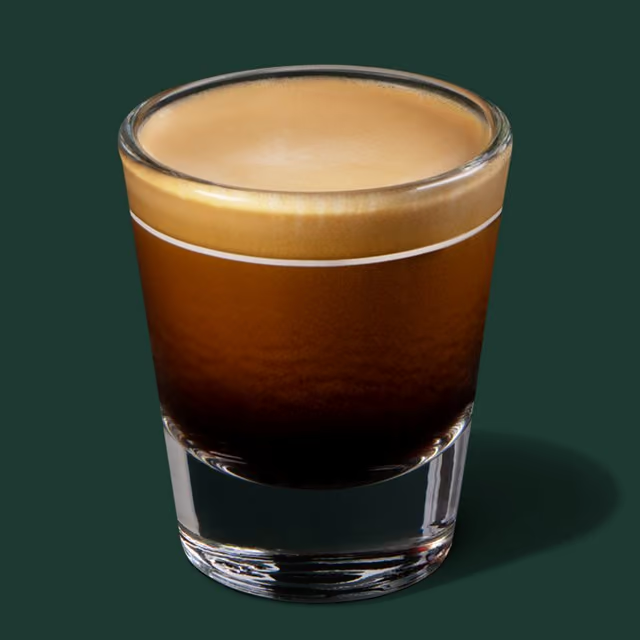 Espresso15 cal · 1g protein · $4.45 est.
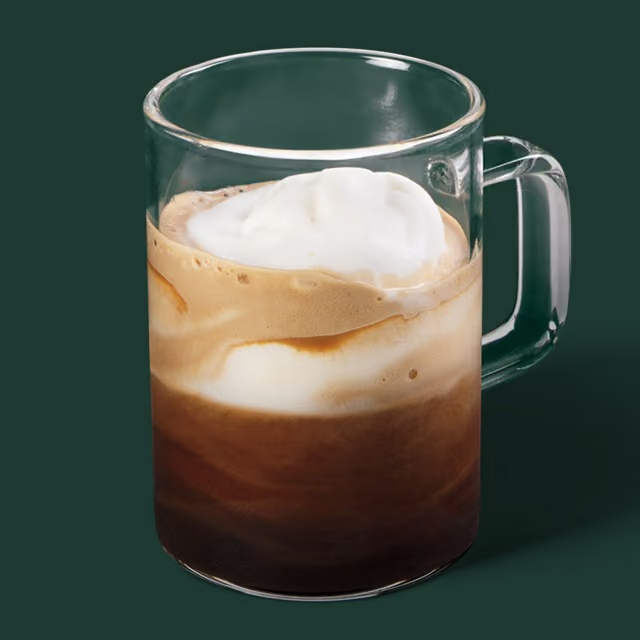 Espresso Con Panna15 cal · 1g protein · $4.45 est.
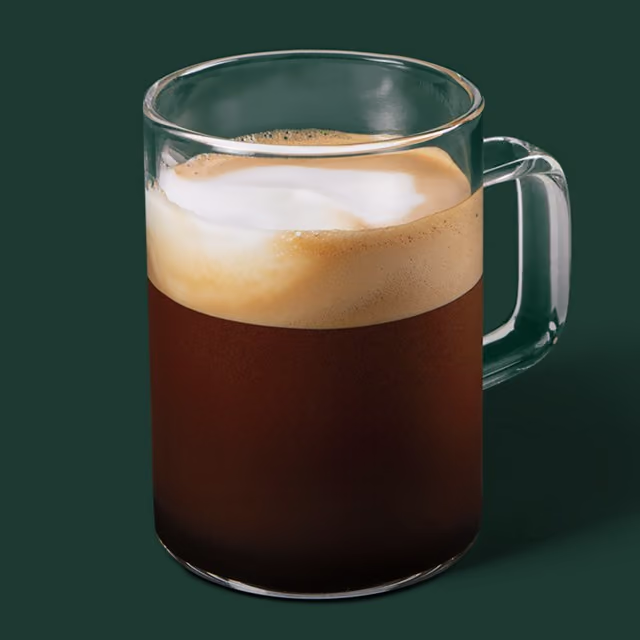 Espresso Macchiato140 cal · 8g protein · $4.45 est.
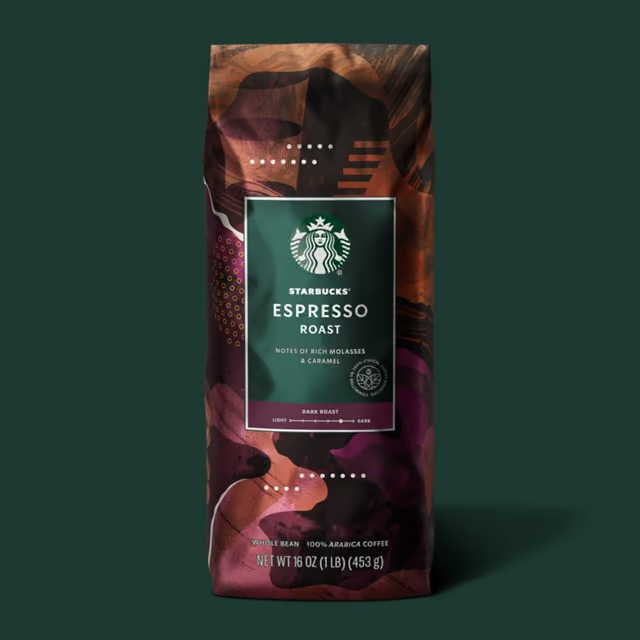 Espresso Roast15 cal · 1g protein · $4.45 est.
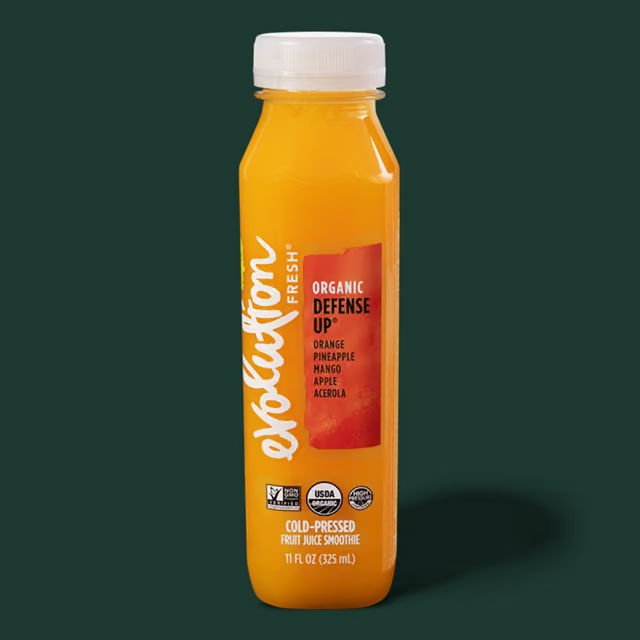 Evolution Fresh® Organic Defense Up®170 cal · 2g protein · $4.45 est.
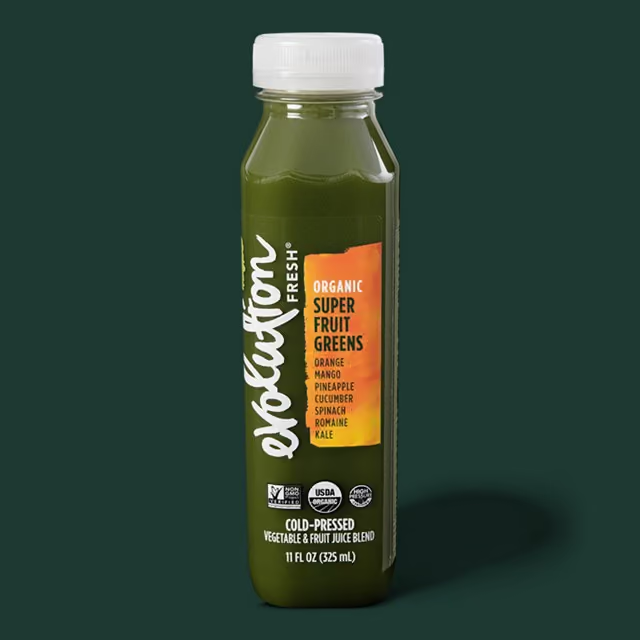 Evolution Fresh® Organic Super Fruit Greens180 cal · 3g protein · $4.45 est.
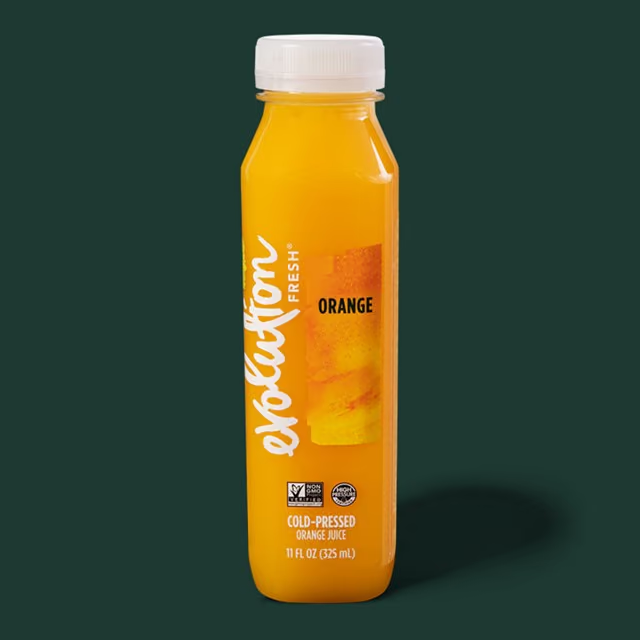 Evolution Fresh® Pure Orange170 cal · 3g protein · $4.45 est.
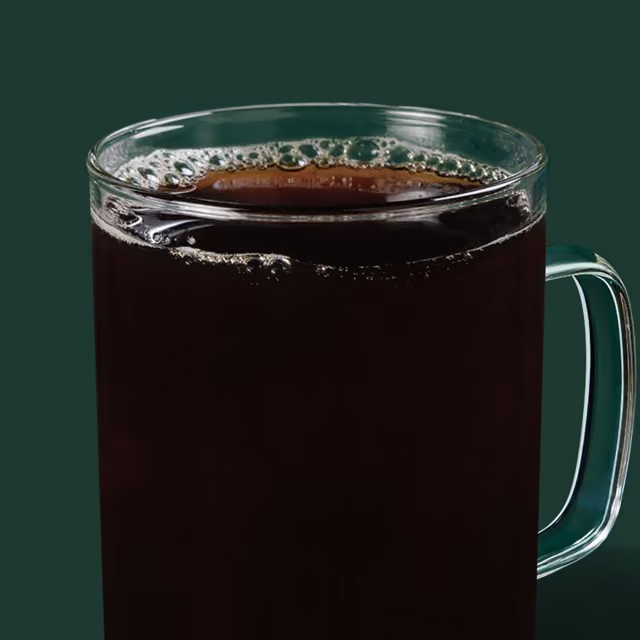 Featured Dark Roast - Starbucks® Thanksgiving Blend100 cal · 3g protein · $3.85 est.
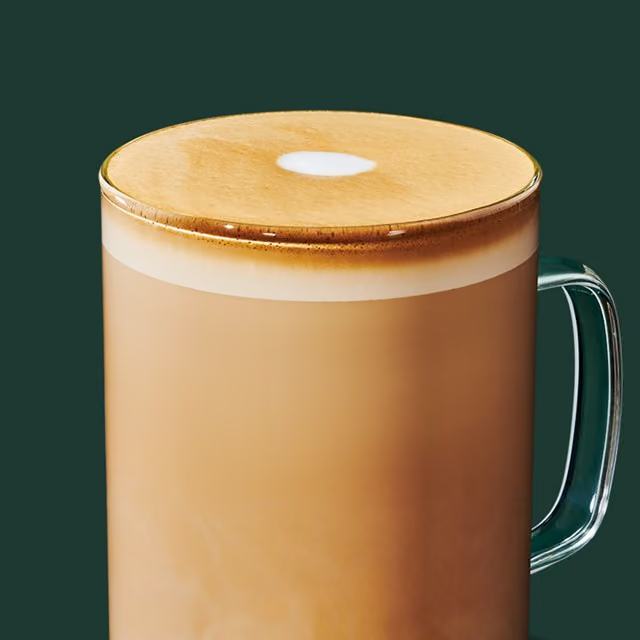 Flat White140 cal · 8g protein · $3.85 est.
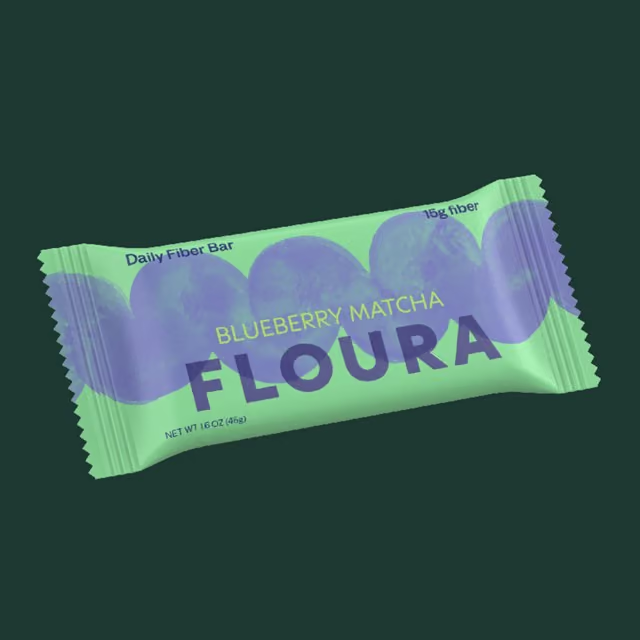 Floura Blueberry Matcha Fiber Bar160 cal · 3g protein · $4.65 est.
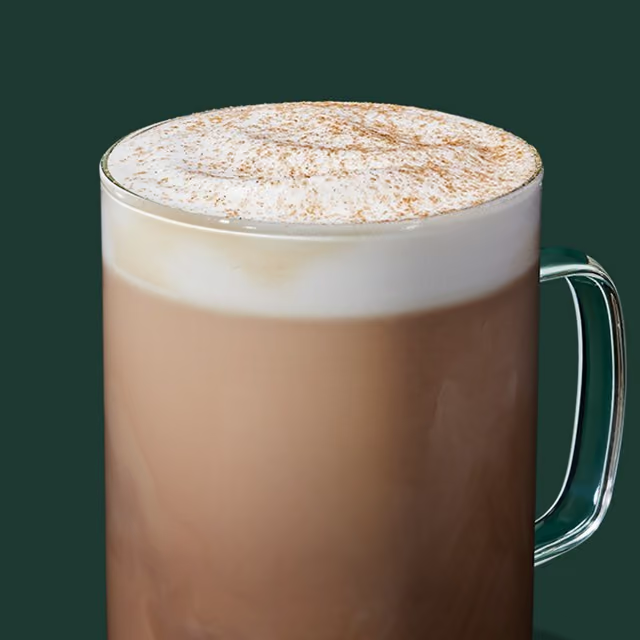 Gingerbread Chai240 cal · 9g protein · $4.00 est.
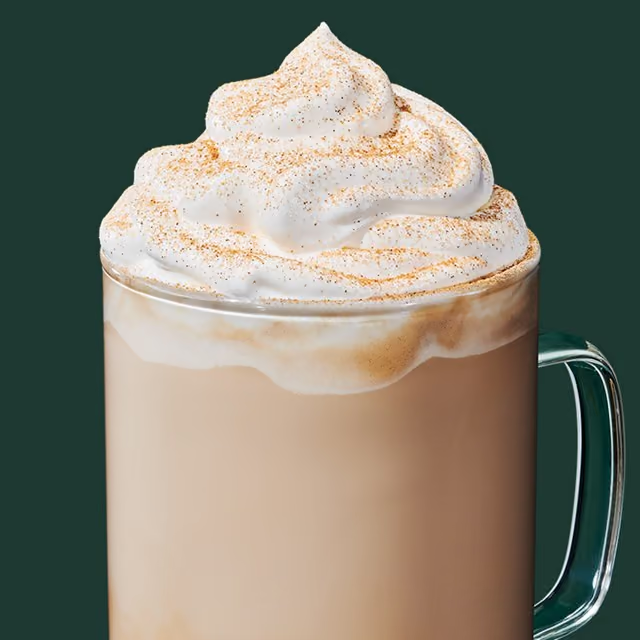 Gingerbread Latte190 cal · 12g protein · $3.85 est.
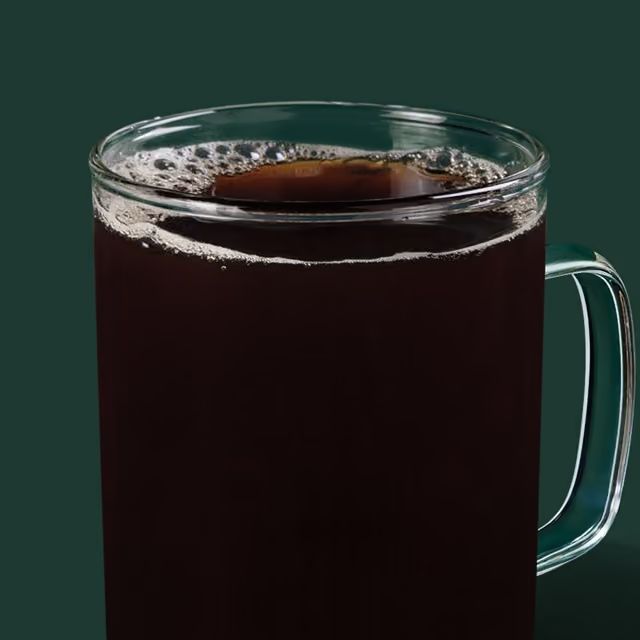 Half-Caff – Pike Place® Roast100 cal · 3g protein · $3.85 est.
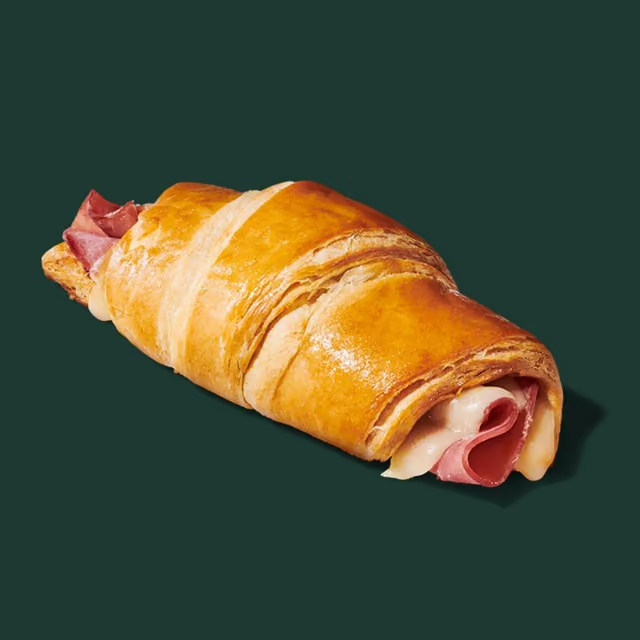 Ham & Swiss Croissant330 cal · 14g protein · $4.25 est.
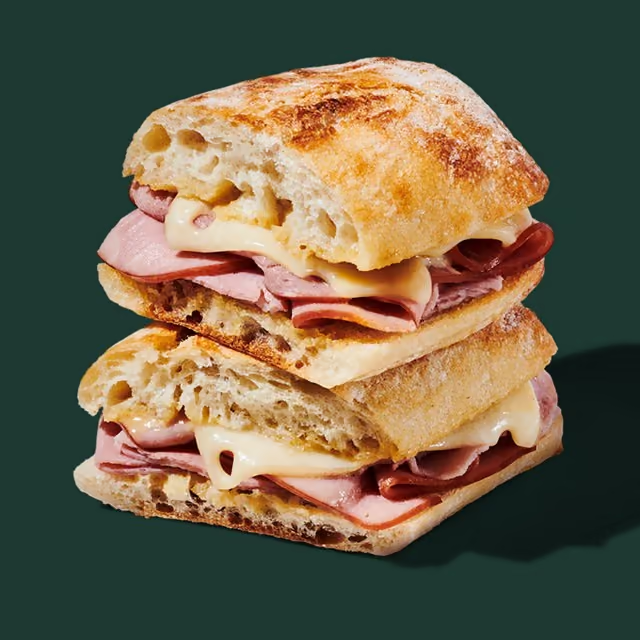 Ham & Swiss on Baguette510 cal · 25g protein · $18.95 est.
 Hedgehog Cake Pop160 cal · 2g protein · $4.25 est.
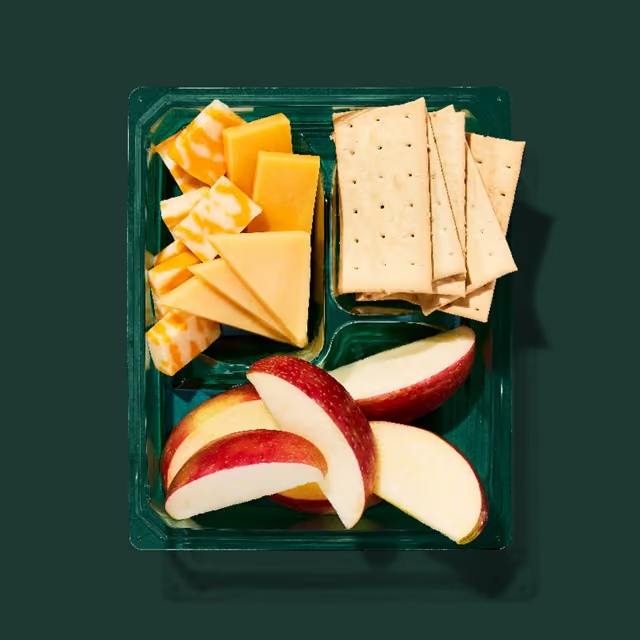 Honeycrisp Apples & Cheese Trio Protein Box470 cal · 22g protein · $6.45 est.
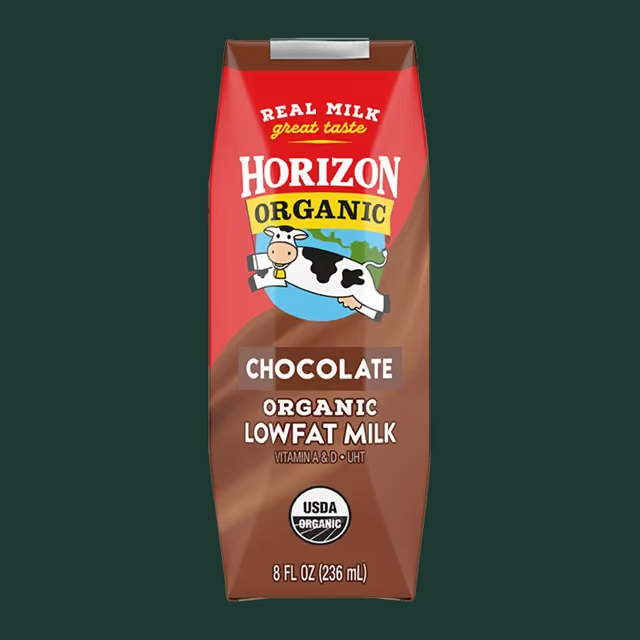 Horizon Organic® Lowfat Chocolate Milk150 cal · 8g protein · $3.25 est.
How to read your totals
Calories measure energy. Protein supports satiety and muscle maintenance. Fat is calorie-dense and includes saturated fat you can review on each item page. Carbohydrates include sugars and starches that affect energy and blood glucose. Sodium matters most for food items and savory snacks.
The 2,000-calorie reference is a general adult benchmark, not a personal prescription. Your needs depend on age, activity, health goals and medical advice. Use the calculator to compare combinations rather than to judge foods as good or bad. A higher-calorie item can fit a day when it replaces a larger meal; a low-calorie drink can still contain caffeine or allergens.
Customization is the biggest variable. A pump of syrup, a splash of cold foam, an extra shot or a larger cup changes several numbers at once. Open the item page from any card to see the official ingredient statement and published size table before you add it to the tray.
Building a balanced Starbucks order
A balanced order starts with a clear purpose. If you need a quick breakfast, prioritize protein and pair a drink with an egg-based sandwich or protein box. If you want an afternoon reset, a cold brew or unsweetened tea keeps the order light while still giving you a break. If you are celebrating, a blended drink or seasonal treat can be the center of the order without needing to be justified.
Macro balance matters more than any single number. A drink with 20 grams of protein and a bakery item with 30 grams of carbohydrate creates a different energy profile than a sweet blended drink with no protein. Neither is universally better. The right combination depends on when you last ate, how active you are and what you want from the experience.
Sodium deserves attention in savory items. Sandwiches, wraps, bakes and snack trays can carry several hundred milligrams each. Drinks are usually much lower unless they include cheese or savory toppings. If you are watching sodium, review the item page nutrition table before adding multiple food items to the tray.
Caffeine adds up across a day. A cold brew, an espresso drink and a caffeinated refresher can easily exceed the amount you expect. Decaf and half-caff options reduce but do not eliminate caffeine. Children, pregnant shoppers and people sensitive to stimulants should check the published caffeine range on each item page and follow their clinician's guidance.
Sugar is concentrated in syrups, blended bases, sweet creams and baked goods. Asking for fewer syrup pumps is the simplest reduction. Choosing a fruit-forward refresher without added syrup, or switching to unsweetened tea or brewed coffee, produces a much larger change than switching milk alone. Read the sugars row in the nutrition table rather than guessing from taste.
Fat quality and quantity both matter. Items with whipped cream, butter, cheese and chocolate carry more saturated fat. Non-dairy milk alternatives can lower saturated fat, but toppings often erase that benefit. If fat is a concern, look for drinks without foam or drizzle and food items built around eggs, yogurt or fruit.
Use the tray as a comparison workspace. Build two or three candidate orders, copy the summary for each and compare them side by side. This is more useful than trying to hold every number in your head while ordering at a busy counter. You can clear the tray at any time by removing items with the minus controls.
Finally, remember that this tool is for planning, not tracking. It does not know what you ate earlier in the day, your medical conditions or your personal goals. It simply makes the Starbucks part of your day visible so you can make an intentional choice. For personalized nutrition advice, speak with a registered dietitian or your healthcare provider.
Item selection tips
The list at the top of the page shows a representative set of menu entries with published calories. Use the search field to narrow by name and the category chips to focus on one menu group. The counter tells you how many items match. If the list feels long, select a smaller category such as Breakfast or Refreshers before searching.
Each row shows calories, protein and estimated price so you can scan without opening every item. The plus button adds the default size to the tray. To choose a specific size, open the item page, select the size tab you want and use the Add to Calculator button there. The tray groups identical choices together and lets you increase or remove quantity.
Where official detail data was unavailable, nutrition figures are category-based estimates and are labeled in the catalog. Treat those rows as rough guidance rather than precise values. The item page for each product states whether the data is official or estimated so you can decide how much weight to give it.
Mobile order ahead gives you one more chance to review the final build. Check the cup label at pickup to confirm size, milk and toppings. If something looks wrong, the store can usually correct it before you leave. Reordering a saved favorite is faster, but it is still worth checking that the store applied your customizations.